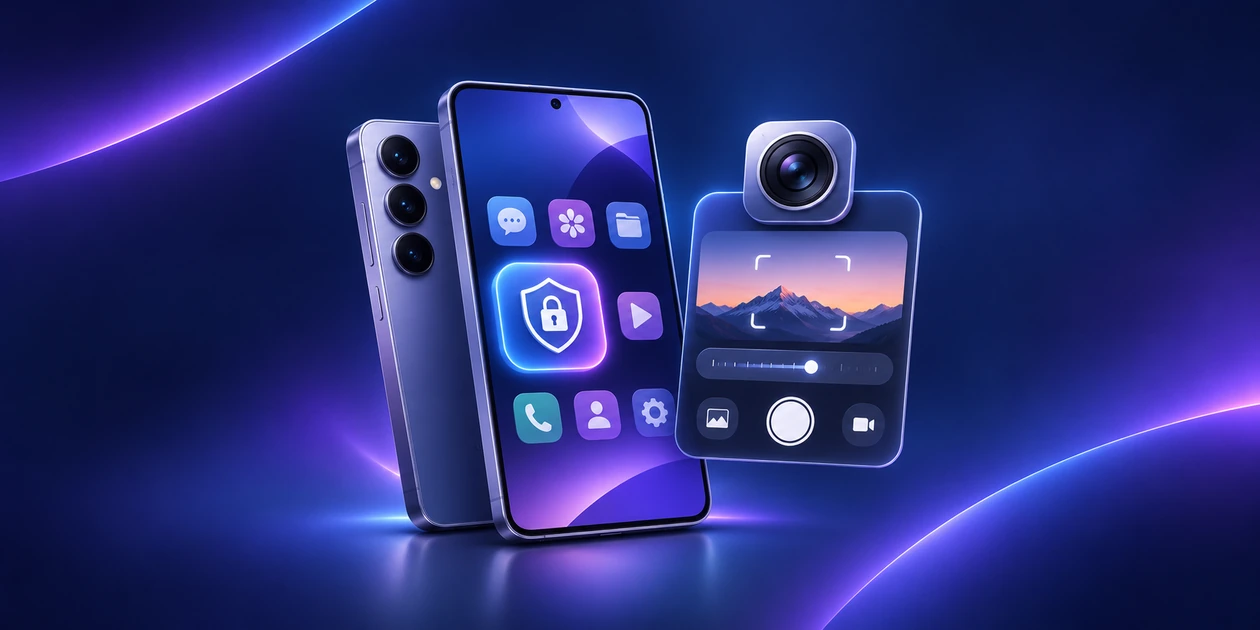
Handing someone an unlocked phone to show a photograph is an ordinary gesture. Your messages, notes and calendar are still nearby, however, and a notification can arrive at exactly the wrong moment. One of the most practical additions in One UI 9.5 addresses that everyday situation: individual app locking, with protection extending beyond the app’s opening screen.
Samsung launched the beta programme on November 18, 2026. Alongside App Lock, it includes changes to the camera, Samsung Health and accessibility controls. This is a preview for selected devices and markets, rather than a finished update for every Galaxy owner.
App Lock looks beyond the sign-in screen
In its official One UI 9.5 announcement, Samsung describes locking individual apps with biometric authentication or the screen-lock method. Notification content and widgets associated with a locked app are hidden as well.
That second part is significant. Requiring authentication to launch an app is only one aspect of privacy if information from the same app remains visible elsewhere. The update recognises the difference between a protected entrance and the content a phone displays before anyone enters.
Consider notes containing work details or a calendar with personal appointment names. Letting another person use the phone for a particular purpose does not necessarily mean inviting them to inspect everything on it. At the same time, App Lock should not be presented as hiding every trace of activity or providing universal data protection. Samsung has described specific controls, rather than those much broader guarantees.
Before relying on the feature, check how it behaves on your device: what notifications show, how widgets appear and whether opening the protected app remains convenient. An additional barrier should meet an actual need. Otherwise, it merely adds more authentication steps to an already busy day.
Camera settings closer to the moment of capture
The camera changes include customisable controls and presets in Pro and Pro video. The standard camera also receives revised controls and a zoom bar intended to bring frequently used settings together without repeated menu changes.
A useful example is photographing products for a small shop or recording several clips under similar lighting. Reusing a prepared setup can be more convenient than rebuilding it from memory. Better organisation does not itself guarantee a better photograph, though: lighting, framing and the conditions of the scene remain important.
There is a device limitation to keep in mind. The enhanced Pro and Pro video features apply to models supporting those modes; Pro Lite and Pro Video Lite are excluded. An update name should not be mistaken for a promise that every camera feature will be identical on every Galaxy.
For anyone who normally uses automatic shooting, the question is simpler: does the new layout make the control you need easier to reach? A long feature list matters less than how easily you can make an adjustment before the moment passes.
Samsung Health brings notes and reminders together
Mindful Note provides space for free writing or guided reflection. Medications lets users record medicines, vitamins and supplements, set reminders and track adherence. These are organisational tools, not a replacement for professional medical advice.
Their everyday value depends on whether the interaction is easy enough to repeat. A brief note after a demanding day may be more useful than another elaborate form you rarely complete. A reminder works best when it supports an already established schedule, rather than becoming one more notification to dismiss.
Availability of Medications varies by market. Samsung also specifies that Mindful Note is not supported on Galaxy Watch in this announcement. That matters if you use several devices: an addition on the phone should not automatically be described as an identical new feature on the watch.
Quicker access to sound controls
Other additions include a floating shortcut for frequently used controls and improved hearing-aid controls in the notification panel. Samsung describes volume adjustment and choosing which sound types, including calls, alarms and notifications, are routed to the hearing aids.
This may be less visually dramatic than a redesigned home screen, but shortening a frequently repeated action can matter more in daily use. Putting the control nearer the place where a person already handles notifications reduces the need to search through settings.
The practical test is whether the shortcut remains easy to find without obstructing other interactions. Accessibility changes are most useful when they fit the individual’s habits, rather than simply adding another option that requires explanation each time.
Who can install the beta
The initial programme covers the Galaxy S26 series in Germany, India, South Korea, Poland, the UK and the US. Registration is through Samsung Members. The announcement does not provide a stable-release date or a complete schedule for other Galaxy models.
Samsung’s One UI Beta Programme guidance recommends backing up to a computer with Smart Switch before installation. After registering, participants check for the software update in device settings. Eligibility depends on the device, country and programme conditions; owning a Galaxy phone alone is not enough.
If your phone is essential for work and you have little time to investigate unexpected behaviour, waiting for the stable release is a reasonable choice. The beta is better suited to people willing to test features and report problems. The strongest idea behind One UI 9.5 is its focus on ordinary interactions: reaching useful controls sooner and being more deliberate about what an unlocked phone reveals.