- PlatformsWindows
- Age3+
- CategoryUtilities & Tools
- PriceFree
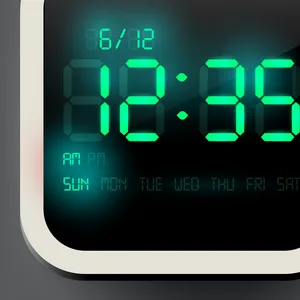
Watch One turns a Windows device into a clock with a customizable look. It is suited to anyone who wants to check the time on a themed display and choose how that display appears.
Customize the clock display
Choose from 30 themed wallpapers and adjust the digital color. You can change the wallpaper from the app’s main screen, so you can switch the look without leaving it. Watch One also supports portrait and landscape orientations, allowing you to select the layout that fits how you are using your device.
Tiles and everyday use
Watch One supports tiles. The app can be useful when you want a clock view on your Windows device, with wallpaper and digital color options to personalize its appearance.
How to install Watch One
Watch One is free to install. Select Download on this page to open its Microsoft Store listing. Before installing, check that the listing shows Watch One and developer Cai Junhong, then select the install button in the store.