- PlatformsWindows
- Age3+
- CategoryUtilities & Tools
- PriceFree
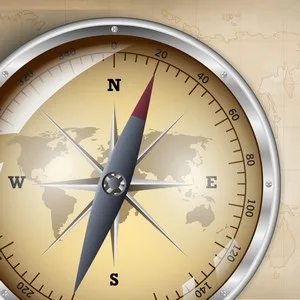
Compass One is a Windows utility for checking which direction you are facing with a digital compass. It combines compass displays with map views and selectable location details, making it useful for quick orientation or for consulting direction and map information in one app.
Compass views and location details
Choose between needle mode, which resembles a magnetic compass, and heading mode. The compass can also switch between normal, hybrid and map modes. You can change the displayed information to show heading, latitude, longitude, altitude or address.
For map views, Compass One lets you choose Bing Maps or Google Maps and supports tiles. These options can help you view map information in the style or format you prefer.
Personalise the display
The app includes eight compass themes and 20 wallpaper options. You can change the wallpaper from the main screen, so the compass display can be adjusted to suit your preference.
Who it may suit
Compass One may be useful when you want a straightforward way to check your orientation, or when you want compass readings alongside map and location details. It is intended for Windows users; the listed features do not establish whether a particular device can provide every location reading, so availability may depend on the device and its setup.
Download and install on Windows
Compass One is free to install. To get it, select Download on this page. The button opens the app’s page in Microsoft Store. Check that the listing names Compass One and developer Cai Junhong, then select the store’s install button.