- PlatformsWindows
- Age3+
- CategoryUtilities & Tools
- Price2.99USD
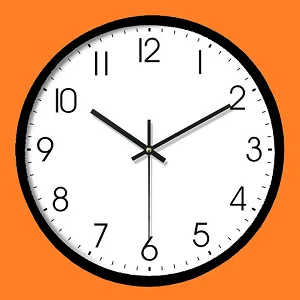
Analog clock Pro by Novelty Studio adds analog clocks to the Windows desktop. It is designed for people who want a visible clock for a selected time zone, or several clocks to keep track of different regions—for example, when coordinating with people in other time zones.
Clocks for different time zones
Create multiple clocks and choose a time zone for each. This lets you keep local time and another selected time visible on the desktop without relying on a single clock for both.
Adjust the clock’s appearance
You can change the clock’s style and size, and adjust its transparency. These options help you tailor how the clock looks and how prominently it appears on your desktop.
Platform and purchase
Analog clock Pro is for Windows and is a paid app. Check the Microsoft Store listing for current purchase terms before installing.
Download and install
- Select Download on this page to open the app’s Microsoft Store listing.
- Check that the listing is for Analog clock Pro by Novelty Studio, and review the purchase information.
- Choose the Store’s install option to proceed.