- PlatformsWindows, XBOX
- Age7+
- CategoryStrategy
- Price39.99USD
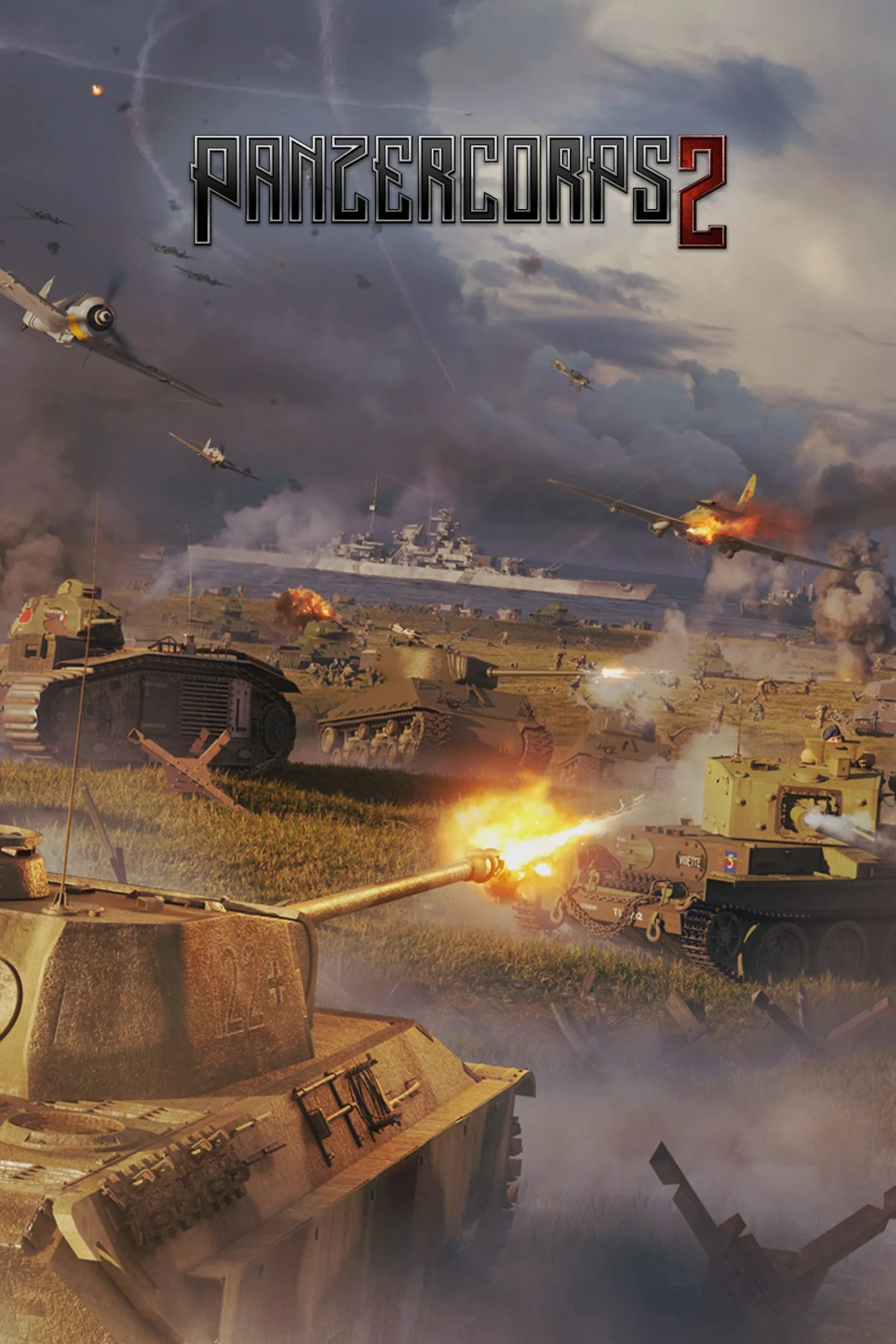
Panzer Corps 2 is a paid, turn-based strategy game set in the European theatre of the Second World War. It is designed for players who enjoy planning moves and weighing tactical choices rather than relying on fast reactions. The game is available for Windows and Xbox, and its listed age rating is 7.
Plan campaigns and tactical battles
Take command of forces from major powers in a branching campaign of around 60 scenarios. Battle-hardened units can carry over from one campaign battle to the next, giving your decisions a longer-term impact. The game also includes four additional single-player scenarios and ten scenarios designed for balanced multiplayer matches.
Combat involves more than moving units into range: the mechanics include movement, combat, spotting, encirclements, weather and capturing enemy equipment. These systems make positioning and timing important—for example, spotting an opponent or closing an encirclement can shape how you approach a battle. The game features more than 1,000 distinct units, including World War II vehicles.
Skirmishes, multiplayer and custom scenarios
For battles outside the campaign, Skirmish mode uses a random map generator with six map types and four mission types. Multiplayer options include hot-seat play, Slitherine’s server-assisted PBEM++ play-by-email mode and online multiplayer. You can also play cooperatively against the AI; in online co-op, partners can take their turns simultaneously to reduce waiting.
A scenario editor lets players create campaigns, single scenarios and multiplayer maps. You can also play content made by other players, offering alternatives to the included campaign and scenarios.
How to install Panzer Corps 2
Use the Download button on this page to open the game’s Microsoft Store listing. Check that the listing names Panzer Corps 2 and Slitherine Ltd. as the developer, then select the store’s install button. The game is paid; the store listing provides the current purchase details.