- PlatformsWindows, XBOX
- Age16+
- CategoryStrategy
- PriceFree
March of Empires is a strategy game from Gameloft SE in which you develop a civilization, raise an army and compete with other players for control of a shared realm. Choose a faction, strengthen your castle and decide when to expand, defend your lands or join an alliance.
Build and lead your civilization
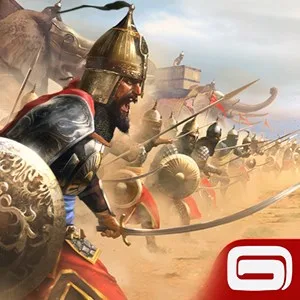
Choose from four factions: Shogun, Highland King, Northern Tsar or Desert Sultan. Each provides its own special war advantages, which can shape how you approach the game. Develop your castle, build defences, produce resources and grow an army to protect your territory and prepare for conflict.
Your Champion leads the army. The game offers leaders such as Vikings and samurai; you can also find and craft equipment to improve your Champion’s skills. These choices support different approaches to battles and help you prepare for stronger opponents.
Alliances, territory and the struggle for power
The game’s open world gives you and your alliance a reason to coordinate beyond your own castle: work together to conquer new territories and hold the lands you already control. The realm’s seasons change, so timing your commands matters as conditions shift.
Five castles contain the Seats of Power. Each Seat can be controlled by only one alliance, and holding one grants influence over the realm and the ability to propose policies. At the centre of the contest is the Throne of Might: only one player can rule the realm as Emperor. These objectives make alliances and competition for territory central to long-term play.
Before you play
March of Empires is free to install, but it allows purchases of virtual items and may show third-party advertisements that can direct you to third-party websites. An internet connection and cross-network play are required. The listed age rating is 16. The game is available for Windows and Xbox.
How to install March of Empires
Click Download on this page to open the game’s Microsoft Store listing. Check that the listing names March of Empires and developer Gameloft SE, then select the install option in the store.