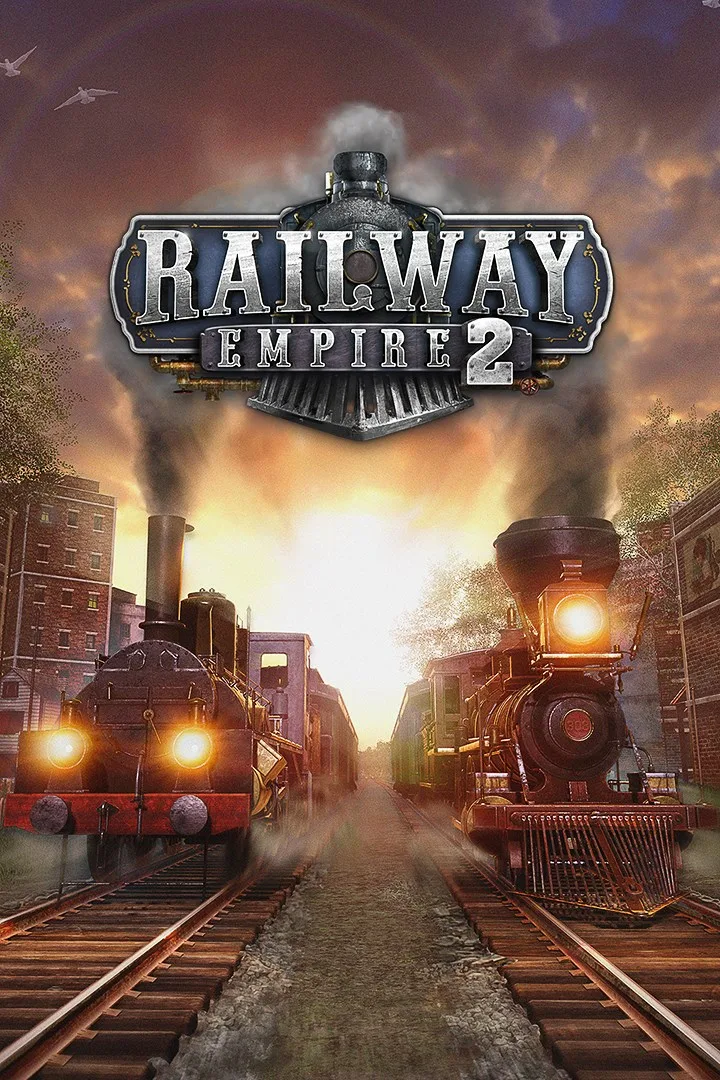
- PlatformsWindows, XBOX
- Age12+
- CategorySimulation
- Price49.99USD
Railway Empire 2 (Win) is a paid railway management and strategy game set at the dawn of the railway age in 1830. Build a company from the ground up, connect cities and businesses, and grow a rail network that carries both passengers and freight. It is available for Windows and Xbox.
Build and manage your railway
Plan routes across large maps covering the United States and continental Europe, or choose more detailed maps focused on individual regions. Tracks can cross plains, valleys and mountains, and the landscape adapts to the route you lay. Automatic signals simplify construction; bridges can carry more than four tracks, while expandable stations support up to eight tracks and can be customised with station attachments.
The game includes 60 historic locomotives, which you can customise with colours and company initials. You can also choose from six company leaders, each with different strengths and weaknesses. Managing the network means deciding how to connect places and businesses while competing to expand your railway company.
Choose how to play
- Campaign: Work through five chapters set across notable regions of Europe and the US.
- Scenarios: Take on 14 separate challenges.
- Free Play: Set the difficulty to suit the kind of game you want.
- Construction mode: Focus on designing and building a rail network.
- Co-op multiplayer: Play with up to four people managing the same railway company.
For a more scenic change of pace, ride one of your trains and view the journey from inside a carriage or from the steam locomotive’s driver’s compartment.
Before you install
Railway Empire 2 (Win) is paid, and its listed age rating is 12. Consider whether you want a hands-on management game with several play modes, or would prefer a more action-focused experience.
How to download and install
Select Download on this page to open the game’s Microsoft Store listing. Check that the title is Railway Empire 2 (Win) and the developer is Kalypso Media, then select the store’s install option. Review the store’s purchase terms before proceeding.