- PlatformsWindows, XBOX
- Age0+
- CategorySimulation
- Price89.99USD
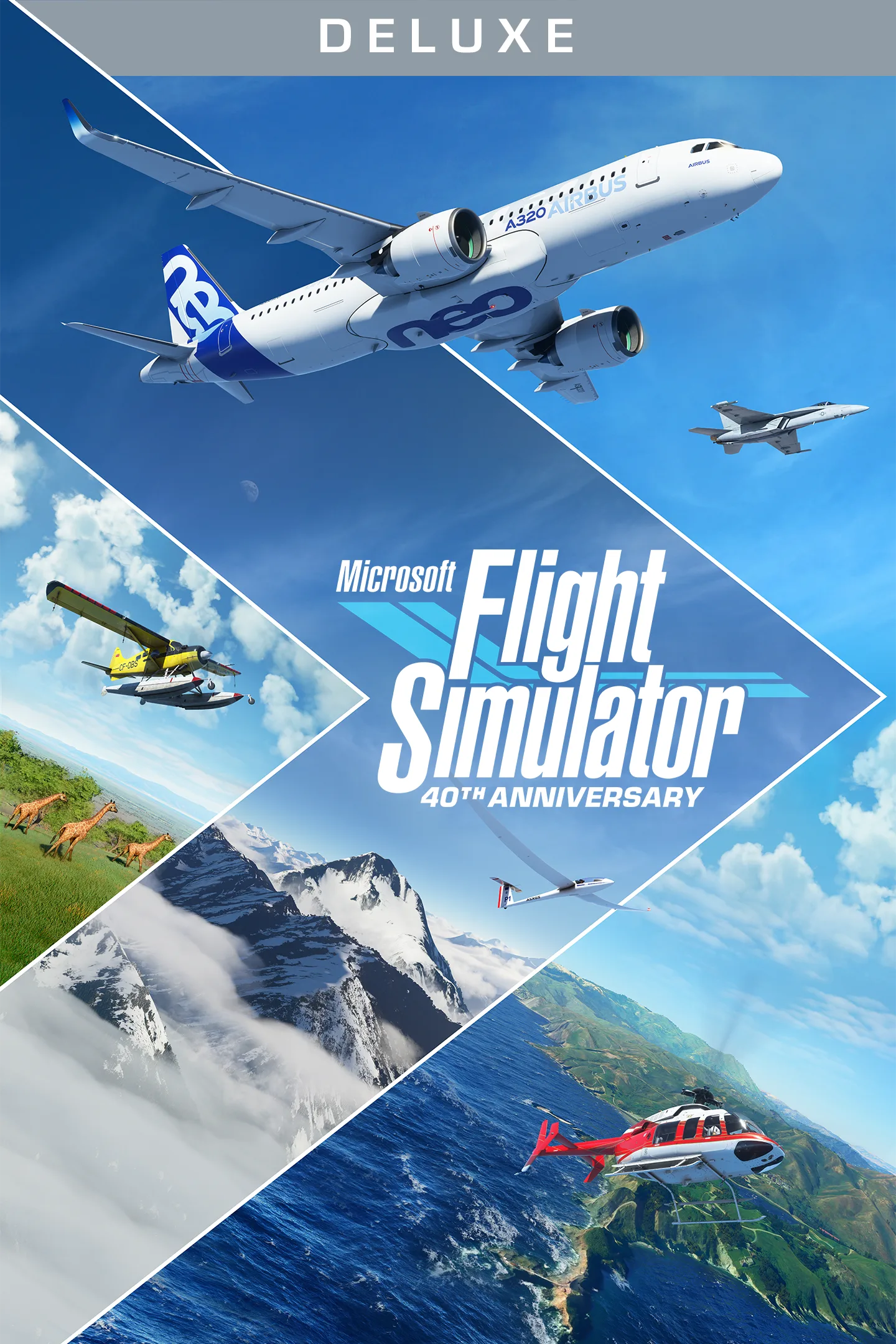
Microsoft Flight Simulator (2020) Deluxe 40th Anniversary Edition is a paid flight simulation game for Windows and Xbox. It lets you fly from light aircraft to commercial jets, gliders and helicopters, explore detailed landscapes and practise using cockpit instruments. The Deluxe edition includes the Standard Edition content, five additional aircraft and five handcrafted airports, along with content added for the 40th Anniversary.
Aircraft, airports and anniversary content
Choose from different kinds of aircraft, each with its own flight model and detailed cockpit instrumentation. The edition’s additional Deluxe aircraft are:
- Diamond Aircraft DA40-TDI and DV20
- Textron Aviation Beechcraft Baron G58
- Textron Aviation Cessna 152 Aerobat and Cessna 172 Skyhawk
The five additional handcrafted international airports are Amsterdam Airport Schiphol, Cairo International Airport, Cape Town International Airport, O’Hare International Airport and Adolfo Suárez Madrid–Barajas Airport.
The 40th Anniversary content also adds an Airbus A310 airliner, two helicopters and two gliders, plus seven historic aircraft, including the Hughes H-4 Hercules. It includes 14 heliports, 15 glider airports, four classic commercial airports and 24 missions from earlier games in the series.
Flight practice and controls
Interactive checklists and highlighted instrument guidance help you follow cockpit procedures. You can adjust assistance from full manual control to full assistance, making it possible to choose a more hands-on flight or get help with instruments and checklists. The aerodynamic physics model shapes how aircraft respond in flight.
For example, you can use the checklists to work through cockpit steps before a flight, or focus on handling an aircraft with fewer assists. The range of aircraft also lets you switch between flying a light plane, a glider, a helicopter or a commercial jet.
A changing world and flight conditions
Explore landscapes featuring buildings, trees, mountains, roads and rivers. The simulated world also includes live traffic and animals. Turn on live weather to fly with real-time conditions such as wind speed and direction, temperature, humidity and rain.
The day-and-night system lets you set flights at different times of day or year, including night VFR (visual flight rules) flying and navigation. These options suit both relaxed world exploration and flights where you want to practise responding to different conditions.
Install through Microsoft Store
- Select Download on this page to open the game’s Microsoft Store listing.
- Check that the listing shows Microsoft Flight Simulator (2020) Deluxe 40th Anniversary Edition and the developer Xbox Game Studios.
- Complete any purchase step required for this paid game, then select the store’s install option.