- PlatformsWindows, XBOX
- Age16+
- CategoryShooter
- Price9.99USD
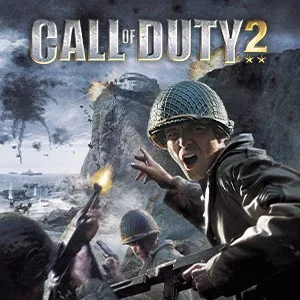
Call of Duty® 2 (2005) is a paid World War II shooter for Windows and Xbox, published by Activision Publishing Inc. It focuses on battles seen through the experience of ordinary soldiers, combining mission-based combat with allied squad support. The game is rated for ages 16 and up.
Choose your approach to each mission
Missions can be played in the order you choose, so you can decide whether to take on a sniper role or command a tank first. Open-ended battlefields also let you choose how to approach objectives. For example, you can adapt your tactics to a changing fight rather than follow one fixed order through every objective.
Squad tactics and changing battlefields
Your allied soldiers respond to nearby combat. Their context-sensitive battle chatter communicates what is happening, while squadmates can draw enemy fire, provide covering fire, use foxholes and moving tanks as cover, and warn you about approaching troops or hostile fire. These reactions make the surrounding squad useful as you navigate crowded battle zones.
The missions span European Theater settings, including the deserts of North Africa, the cliffs of Pointe du Hoc and war-damaged Russian cities. Battles feature tanks, troops and explosions, with snow, rain, fog and smoke alongside dynamic lighting and shadows. The game’s COD 2 engine and AI support its visual presentation and combat encounters.
Online team battles and Xbox Network features
For multiplayer, the game offers online, team-based Axis versus Allies matches. This mode is suited to players who want to fight alongside one side against another rather than focus only on the missions. Availability of some Xbox Network features may vary; cross-platform multiplayer and Achievements are among the features that may not be available.
Install through Microsoft Store
To get the game, select Download on this page. It opens the game’s Microsoft Store listing. Before installing, check that the listing names Call of Duty® 2 (2005) and Activision Publishing Inc. as the developer, then select the store’s install button. The game is paid, so check the listing for the current purchase details before proceeding.