- PlatformsWindows, XBOX
- Age18+
- CategoryRole Playing
- Price69.99USD
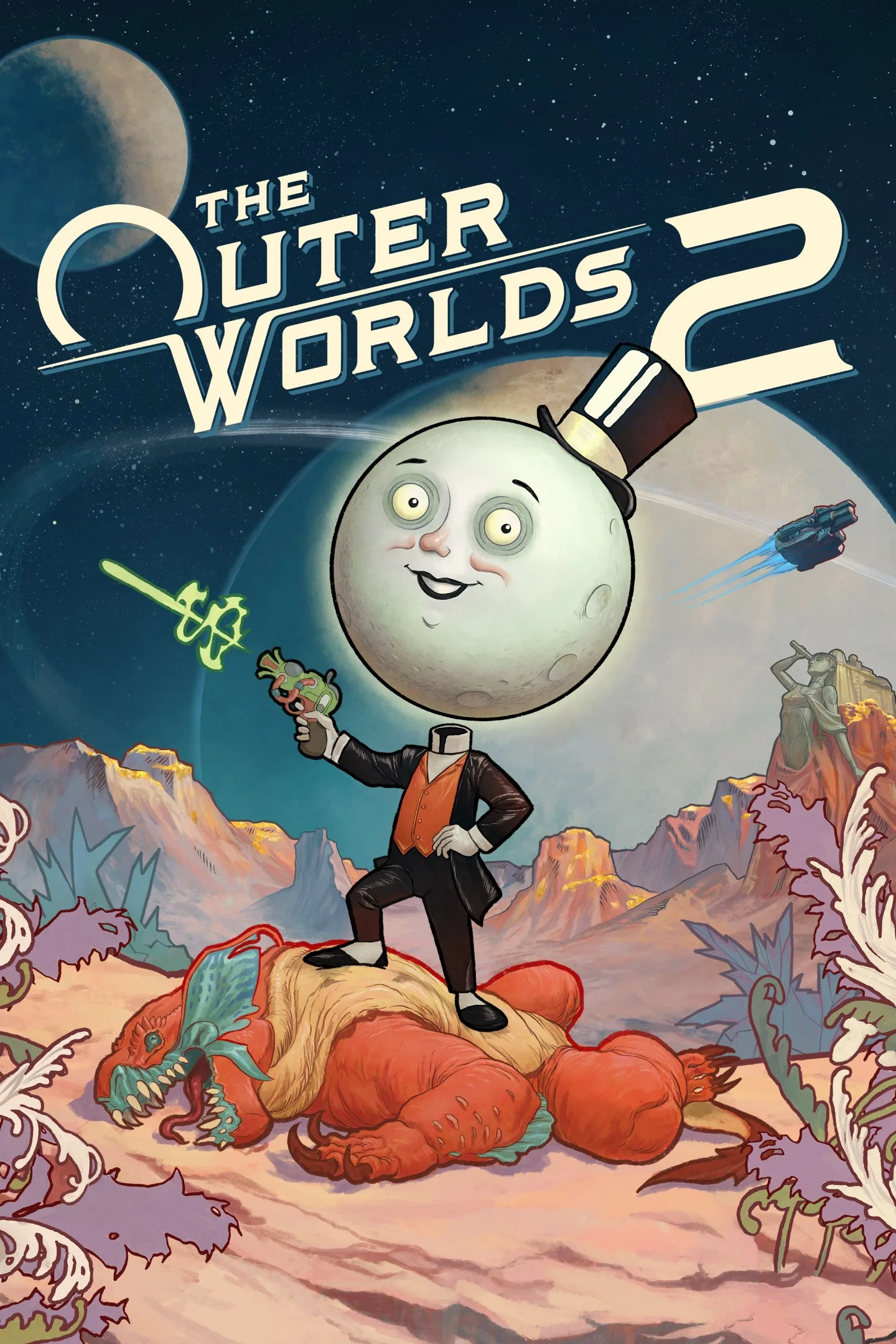
The Outer Worlds 2 is a paid first-person science-fiction role-playing game from Xbox Game Studios. You play an Earth Directorate agent investigating destructive rifts in the Arcadia colony, where rival groups are fighting over how to control or close them. Your choices shape the story and the colony’s future.
Explore Arcadia and shape the story
Travel through different areas, uncover hidden lore and navigate a conflict involving the Protectorate, a rebellious religious order and a corporate invasion. The game’s narrative responds to your actions, including the factions you decide to trust. This makes it a fit for players who enjoy exploring a story world and weighing how their decisions affect its people and conflicts.
Build a character and choose an approach
Choose abilities and make decisions to develop a character around your preferred playstyle. The description highlights approaches such as diplomacy, strategy and chaos, and also confirms a “dumb” character option without detailing its effects. Your strengths and flaws, along with your actions, influence how the colony responds.
Recruit companions and take on enemies
You can recruit companions with their own traits, backgrounds and goals. You may help them pursue their ambitions or steer them toward your objectives; your influence affects their development, and companions can also die. Exploration and story choices are paired with action against new enemies using new weapons.
Platforms and age rating
The game is listed for Windows and Xbox and has an 18 age rating. It is not free, so account for a purchase through Microsoft Store before playing.
How to download and install
Select Download on this page to open the game’s Microsoft Store listing. Check that the listing shows The Outer Worlds 2 and Xbox Game Studios, then complete any purchase step shown and choose the store’s install option.