- PlatformsWindows, XBOX
- Age3+
- CategoryRole Playing
- Price15.99USD
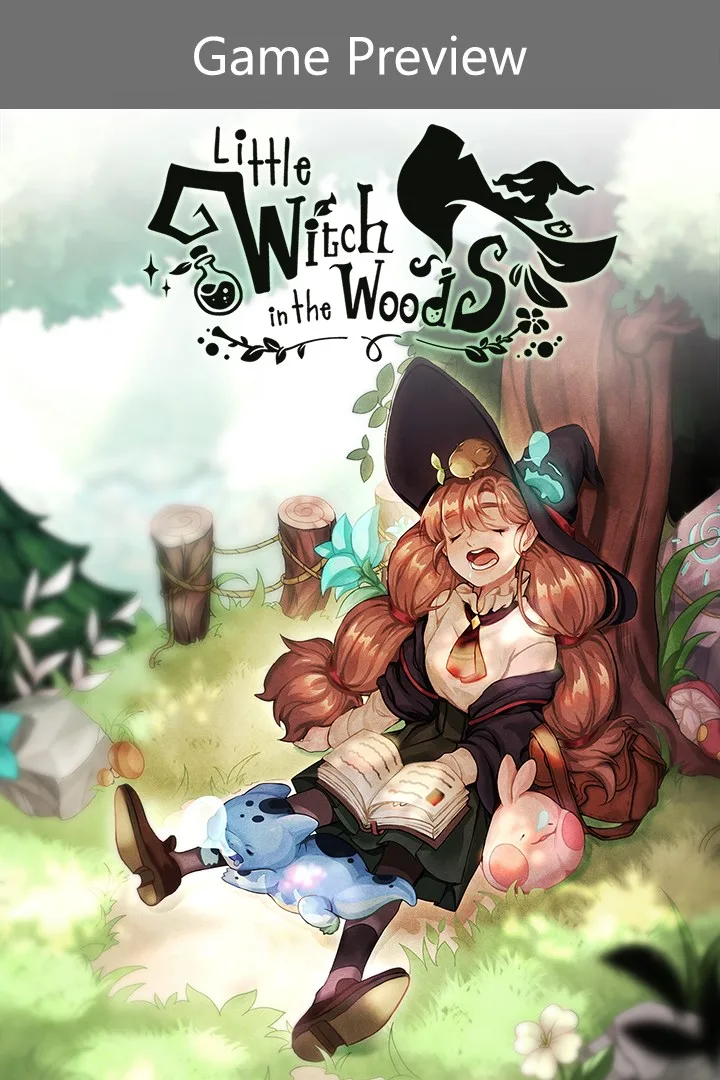
Little Witch in the Woods (Game Preview) is a role-playing and simulation game about Ellie, an apprentice witch learning her craft while living near a village. Help its residents, explore a fantasy world and work towards completing Ellie’s apprenticeship. It is available for Windows and Xbox.
Ellie’s apprenticeship and village life
Follow Ellie’s story as she puts the lessons from witch school into practice. Helping villagers and progressing through the story are part of her path to becoming a formal witch. Conversations with the village’s characters reveal their personal stories; become someone’s best friend and you may learn a secret they keep.
Potions, creatures and hidden places
Gather and process materials to make potions that can help solve problems. As you explore different areas, you can meet and interact with creatures and record information about them in the witch’s book. Keep an eye out for hidden places, which may contain special items or shortcuts.
Friendships, cats and quiet breaks
Chat with new friends to learn what they like. Giving someone a gift that suits their tastes can bring you closer more quickly. Cats have their own personalities, and a special encounter may lead a cat to want to spend every day with Ellie. You can also fish and take a relaxing rest before setting off on another adventure.
Preview status and installation
This is a paid Game Preview, so the game is unfinished and may change. A final release is not guaranteed. It is listed with an age rating of 3. Before installing, consider whether you are comfortable purchasing a game in its current preview state.
To install it, select Download on this page. When the Microsoft Store page opens, check that the title is Little Witch in the Woods (Game Preview) and the developer is SUNNY SIDE UP, then follow the store’s purchase and installation steps.