- PlatformsWindows, XBOX
- Age16+
- CategoryPuzzle & Trivia
- Price1.49USD
Bridge Constructor: The Walking Dead is a paid construction puzzle game for Windows and Xbox. It combines bridge-building challenges with a post-apocalyptic setting: plan structures and routes that help survivors and vehicles get through walker-infested ruins while facing a hostile human community.
Build routes and solve physics-based challenges
Construct bridges and other structures across bleak landscapes and ruined locations. The challenge is to create a safe passage for survivors and iconic vehicles from the series. This suits players who enjoy working out how to use construction and the surrounding level to make a route possible.
Levels also feature movable objects, explosives and bait. Use them to lure walkers into traps and clear a way for the survivors. For example, bait can draw walkers towards a dangerous spot while your construction guides the group past them. Physics and gravity are part of the action, with ragdoll animations showing walkers being affected by the forces around them.
Characters and setting
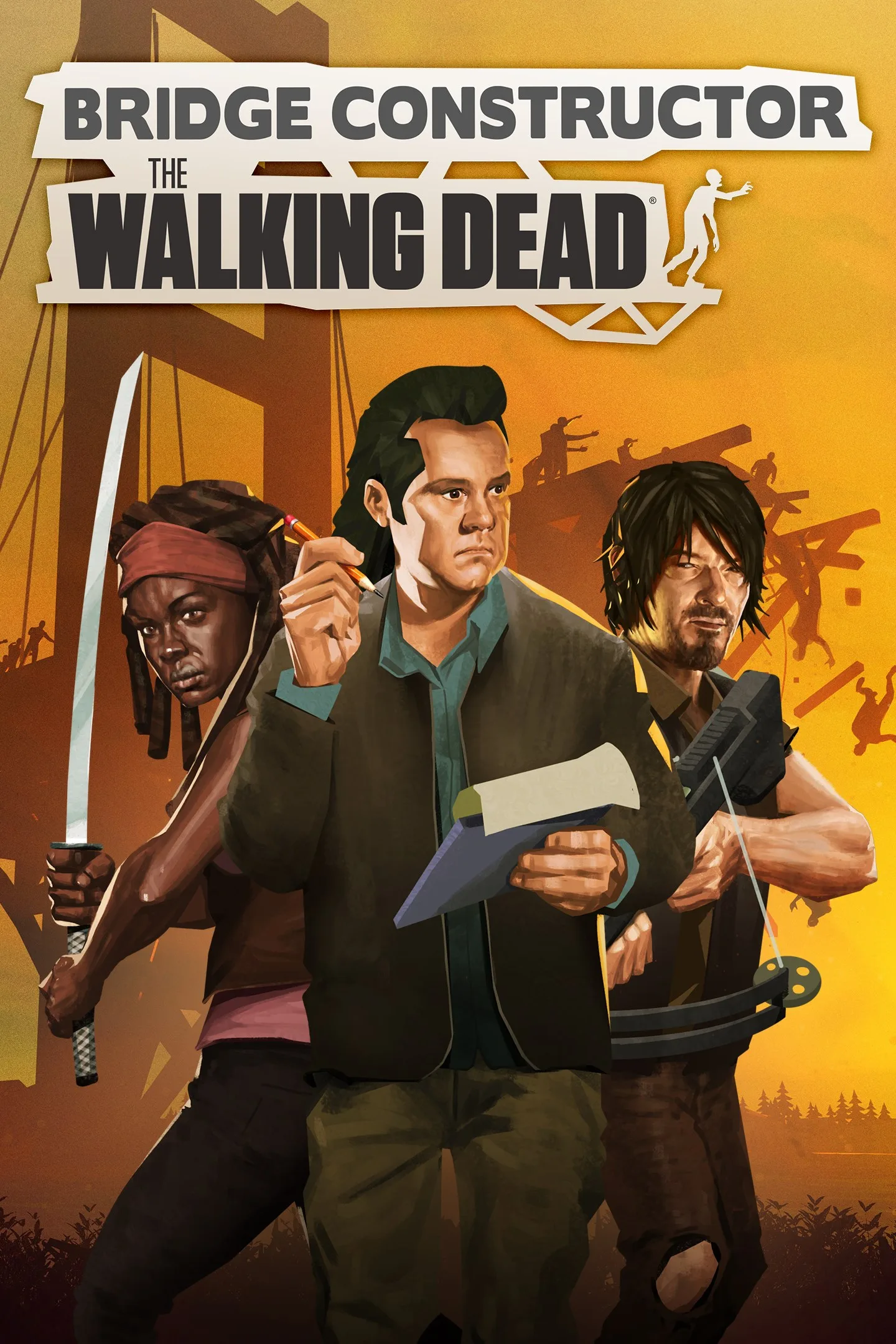
The game brings together Bridge Constructor-style puzzles and AMC’s The Walking Dead universe. The survivor group includes Daryl, Michonne and Eugene, and the challenges involve both undead walkers and a hostile human community.
Platforms and age rating
The game is available for Windows and Xbox through the Microsoft Store. Its listed age rating is 16. Choose it if you want construction puzzles with hazards and tactical use of objects; it may be less suitable if you are looking for a non-violent building game, since the premise involves walkers and lethal traps.
Download and install
Select Download on this page to open the game’s Microsoft Store listing. Check that the listing names Bridge Constructor: The Walking Dead and developer Headup, then follow the Store’s purchase and installation steps. The game is paid, so check the listing for current purchase details before installing.