- PlatformsWindows
- Age3+
- CategoryPhoto & Video
- PriceFree
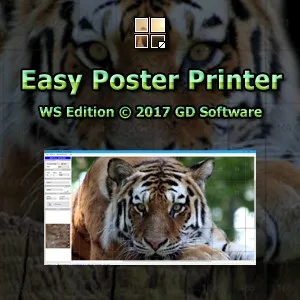
Easy Poster Printer by GD Software is a Windows app for creating posters with a regular printer. Add a photo and custom text, choose the poster dimensions and printer paper format, then print or export poster images for use with your preferred print software. Poster dimensions can be set up to 20 × 20 metres.
Poster creation options
- Add content: Insert a photo and write custom text, for example to make a visual display with an image and a message.
- Set the size: Choose the poster dimensions, up to 20 × 20 metres, and select the paper format used by your printer.
- Choose how to print: Export the poster images if you want to use your preferred printing software.
The app may suit Windows users who want to create a poster from a photo and text and prepare it for printing on a regular printer. Its built-in language options include English, Danish, Italian, Brazilian Portuguese, Traditional Chinese, Dutch, Russian, German, Arabic, Spanish and French.
Download and install on Windows
Easy Poster Printer is free to install from the Microsoft Store. Select Download on this page to open the store listing. Check that the app is named Easy Poster Printer and the developer is GD Software, then select Install.