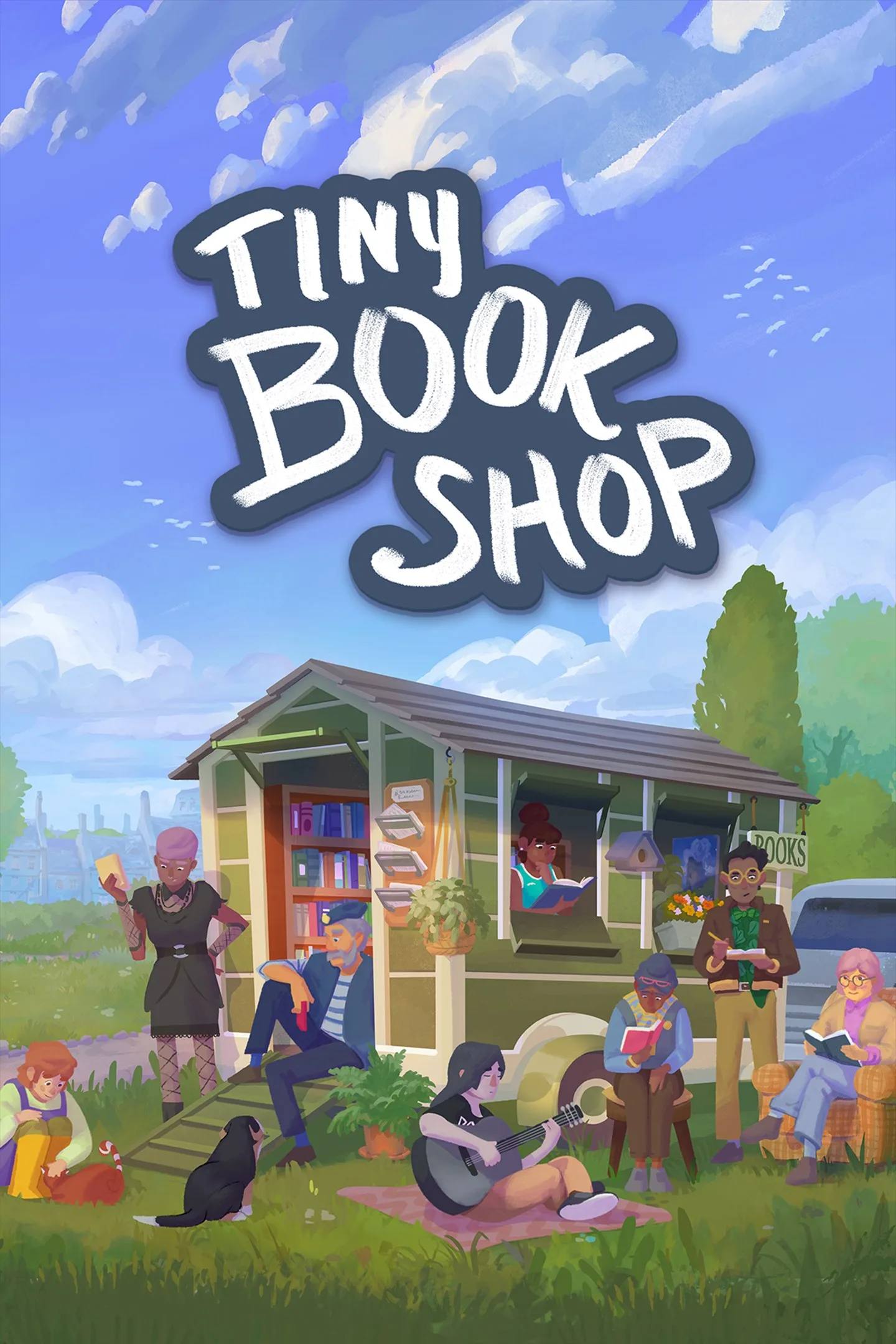
- PlatformsWindows, XBOX
- Age12+
- CategoryFamily & Kids
- Price19.99USD
Tiny Bookshop is a paid narrative simulation for Windows and Xbox. Set up a second-hand bookshop in the seaside town of Bookstonbury-by-the-Sea, choose what to sell and learn what appeals to the people who visit. It suits players looking for a gentle shop-management game with local characters and a story to uncover.
Run a shop that reflects its neighbourhood
Stock books from different genres to match local reading habits, then adapt your selection as you move between scenic locations. Each spot attracts a slightly different crowd, so observing who comes by can help you decide what to put on the shelves. You can recommend a book that fits a customer’s tastes or introduce them to something outside their usual reading.
Decorate the shop with items you collect. Each item affects customers and may introduce a new mechanic, so furnishing the space is part of how you shape the shop’s atmosphere and its day-to-day management.
Explore Bookstonbury and meet its residents
Get to know the town’s characters, build friendships and help one another. Exploring Bookstonbury also reveals secrets and pieces of its history, including questions about Bookston Burgh and St. Bookston. Look for collectable items and grow your stamp collection as you explore; items you find can also be used to decorate the shop.
Platforms and age rating
The game is available for Windows and Xbox. Its supplied age rating is 12.
How to install Tiny Bookshop
- Select Download on this page to open Tiny Bookshop in Microsoft Store.
- Check that the store listing names Tiny Bookshop and Skystone Games Inc. as the developer.
- Review any purchase prompt, then select the store’s install option.
Tiny Bookshop is paid, so check the purchase details shown in Microsoft Store before continuing.