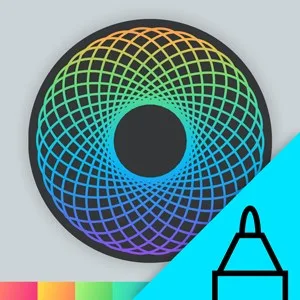
- PlatformsWindows
- Age3+
- CategoryEntertainment
- PriceFree
Spirality is a creative drawing app for Windows by User Camp. Use a pen or mouse to make mandalas and spirals, colour your designs, and share finished work as images or animations. Its approachable tools suit casual doodling and creative experimentation, even if you have little drawing experience.
Draw, adjust and colour your designs
Start with a stroke to create a spiral or mandala, then shape the result using controls for mirrors, symmetry, colour and transparency. You can fill in your artwork too, making the app useful both for building patterns and for colouring them afterwards.
If a line does not look right, go back to an earlier point in your work and tweak that stroke rather than starting the design over. This makes it easier to try different variations as you draw.
Ways to use Spirality
- Make patterns and doodles for a relaxed creative activity.
- Experiment with mirroring, symmetry and transparency to change the look of a design.
- Colour a finished mandala or spiral, then share your artwork as a high-resolution image or animation.
Spirality is focused on making and sharing decorative artwork; it is not presented as a general-purpose drawing or image-editing tool. The app is available for Windows through the Microsoft Store and is free to install.
How to install Spirality
Select Download on this page to open Spirality in the Microsoft Store. On the store page, check that the app name is Spirality and the developer is User Camp, then select the install button.