- PlatformsWindows
- Age3+
- CategoryDeveloper Tools
- Price3.49USD
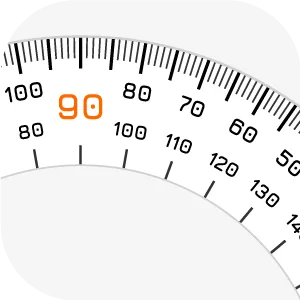
Measure Angle on Screen - Pissa Ruler is a paid Windows app from IO Stream that puts a protractor on your desktop. It is designed for programmers, designers and graphic artists who need to check angles on visible objects without interrupting their work to move to separate measurement software.
Measure and compare angles
A guide line shows the current angle as you work. To compare two angles, mark the first one with a click or the Space bar, then repeat the action to display the difference between the readings. The main measurement units are degrees and radians; the store description also lists support for DMM and DMS units.
For example, you can keep the protractor over a design or other on-screen object and use the displayed reading to check its angle. The app measures angles on screen; the description does not specify automatic object detection.
Adjust the ruler to your workspace
- Resize: Use the zoom button, press S to shrink the ruler, or press E to extend it.
- Set a new zero point: Rotate the zero point by a chosen angle to adjust the measurement reference.
- Keep it in place: Use the navigation button or press B to block or unblock window movement, helping prevent accidental dragging.
- Keep it visible: Select Always on Top to leave the protractor floating above other desktop windows.
- See objects underneath: Scroll the mouse wheel to decrease or increase the ruler’s opacity.
- Choose a theme: Switch between light and dark themes with the painting tray button.
Install through Microsoft Store
Click Download on this page to open the app’s Microsoft Store listing. Check that the listing names Measure Angle on Screen - Pissa Ruler and developer IO Stream, then use the store’s install option. The app is paid, so review the purchase details shown in Microsoft Store before proceeding.