- PlatformsWindows
- Age3+
- CategoryBusiness
- PriceFree
Total PDF Converter by LISApp Studio is a Windows app for converting documents to and from PDF. It is designed for people who need to prepare business files in different formats, process several documents at once, or review PDF pages before conversion. The app is free to install.
Convert documents in either direction
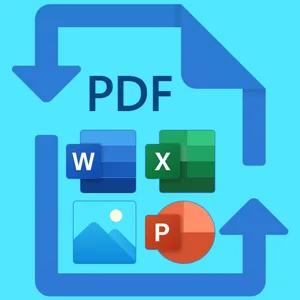
Convert PDF files to Word, Excel, RTF, HTML, XML, text files and various image formats. You can also create PDFs from Word, Excel, PowerPoint and image files. This can be useful when, for example, you need to turn a PDF into an editable document or combine office documents and images into PDF format.
Choose pages and process files in batches
Batch conversion lets you handle multiple files in one operation. For a large document, specify a page range so that only the pages you need are converted. You can also choose the destination folder for the output files.
Preview and annotate PDFs
The built-in PDF reader lets you preview source files. Before converting, use the annotation tool to add comments, highlight content or draw on PDF pages—for example, to mark sections for review.
Compatibility and installation
Total PDF Converter is for Windows and does not support the Windows 10 S build. To install it, select Download on this page. The button opens the app’s Microsoft Store page; check that the listing names Total PDF Converter and LISApp Studio as the developer, then select the Store’s install button.