- PlatformsWindows, XBOX
- Age16+
- CategoryAction & Adventure
- PriceFree
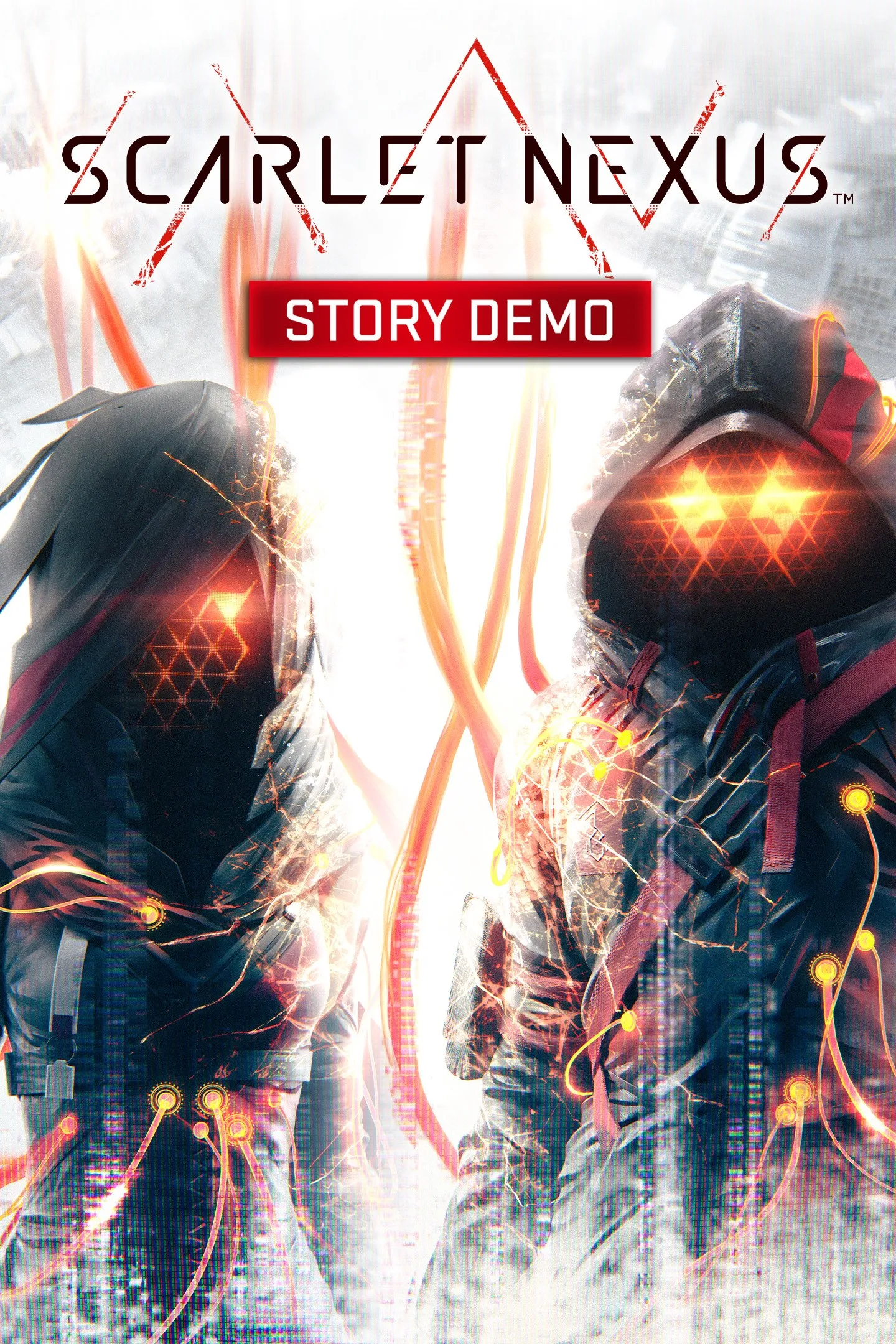
SCARLET NEXUS Story Demo is a free-to-install sample of the action RPG’s opening. It lets you experience the start of the adventure as either Yuito Sumeragi or Kasane Randall, with the story unfolding from your chosen protagonist’s perspective. The demo is available for Windows and Xbox through the Microsoft Store.
What you can do in the demo
The demo covers the first part of the adventure and includes several parts of the game’s core experience:
- Fight using psychokinesis: play as a psychokinesis user in action-focused battles against the Others, alongside talented allies.
- Follow the story: watch cutscenes and experience the opening events through Yuito’s or Kasane’s perspective.
- Build bonds: take part in bond-building episodes with allies.
- Explore environments: move through the settings featured in the opening portion of the adventure.
A futuristic setting and two protagonists
The story takes place in a future civilisation shaped by powers and technology, where the Others descend from the sky. The Other Suppression Force (OSF), made up of people with exceptional abilities, works to protect the population. Yuito joined after being saved by the OSF as a child, while Kasane was recruited for her abilities. Choosing either character gives you a perspective on the story and its world through one of its two main characters.
Demo limits and save data
This is an introduction to the adventure, not the full game. Some functions are limited in the Story Demo, although the specific restrictions are not listed. Save data from the demo carries over to the full game.
The listed age rating is 16. The Story Demo is free to install.
How to install
- Select Download on this page to open the game’s Microsoft Store page.
- Check that the title is SCARLET NEXUS Story Demo and the developer is BANDAI NAMCO Entertainment America Inc.
- Select the store’s install button to install the demo on a supported Windows or Xbox device.