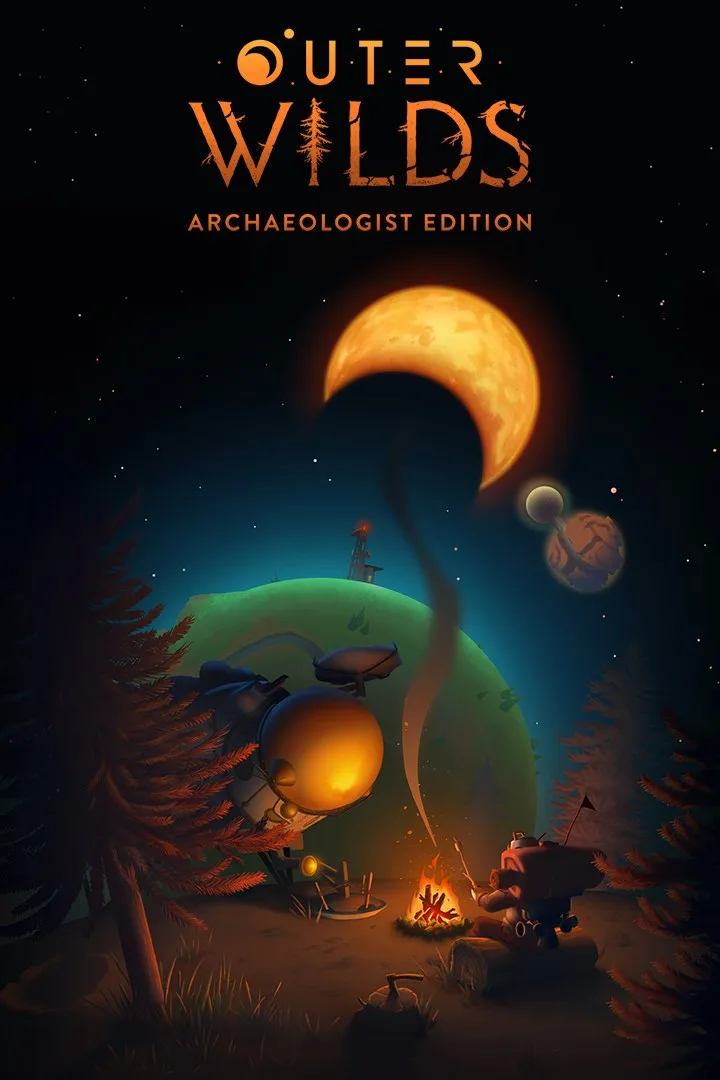
- PlatformsWindows, XBOX
- Age12+
- CategoryAction & Adventure
- Price39.99USD
Outer Wilds: Archaeologist Edition is an action-adventure mystery set in a solar system trapped in an endless time loop. As a new recruit of Outer Wilds Ventures, you explore unusual worlds, follow clues and investigate what lies behind the loop. The game is available for Windows and Xbox and has a listed age rating of 12.
Explore a solar system that changes over time
Each world holds hidden places, but the environment does not stay the same. Sand can cover an underground city, while a planet’s surface may crumble as you explore. Natural hazards and dangerous environments make timing and careful observation part of the journey.
This changing setting suits players who enjoy piecing together a mystery through exploration. You might return to a place at a different point in the loop to look for a clue that was previously out of reach, or venture into a hazardous area to investigate a question about the solar system.
Tools, clues and the Echoes of the Eye
Use the game’s gadgets to probe your surroundings and track mysterious signals. Ancient alien writing provides further clues to decipher, while small details—including the option to roast a marshmallow—add character to your expeditions.
The Archaeologist Edition also features Echoes of the Eye, in which the space program detects an anomaly with no known location in the solar system. Take a flashlight into the investigation and uncover secrets hidden in the dark.
Before you install
This is a paid game, so check the purchase details displayed by Microsoft Store before proceeding. If you want a mystery built around exploring unfamiliar worlds, environmental changes and uncovering clues, its focus may suit you. The hazardous settings are an important part of that exploration.
How to download and install
- Select Download on this page to open the game’s Microsoft Store page.
- Check that the listing names Outer Wilds: Archaeologist Edition and Annapurna Interactive as the developer.
- Use the installation option on the Microsoft Store page to install the game on a supported platform.