- PlatformsWindows, XBOX
- Age16+
- CategoryAction & Adventure
- Price39.99USD
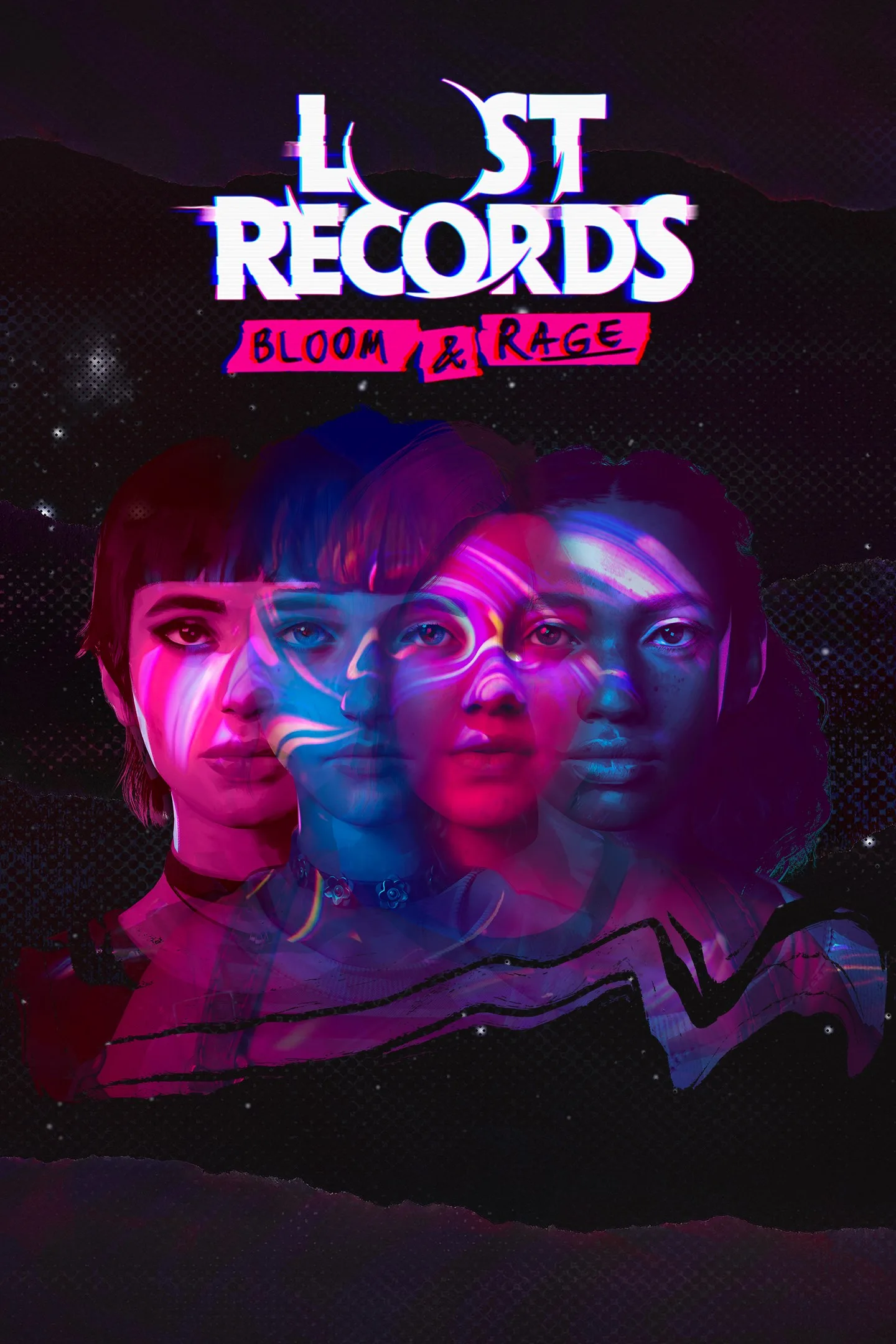
Lost Records: Bloom & Rage is a paid story-driven adventure from DON'T NOD for Windows and Xbox. Play as Swann and revisit a defining summer in 1995, then return to the story in 2022 as four friends confront an unexplained event and the secrets surrounding their reunion. Both parts of the story are included.
Two timelines, one mystery
The story moves between the girls’ teenage years in Velvet Cove, Michigan, and their lives in 2022. Each timeline reveals part of the larger mystery, giving you a chance to piece together what happened in the past and why the friends have come together again. The summer brings Swann closer to Nora, Autumn and Kat through friendship, rebellion and their punk band.
Shape relationships and explore with a camcorder
Conversations respond to what you say and where you look. You can interrupt or ignore others, and your words and actions help shape Swann’s relationships with her friends. The two timelines also let the story show how those bonds have changed over the years.
Swann can use a camcorder to film Velvet Cove, including its people, places and natural surroundings. Recording can be a way to capture the summer for its own sake or to look for secrets hidden in the town. The setting’s picturesque woods and lakes sit alongside the strange events at the heart of the mystery, with a dream pop soundtrack adding to the nostalgic atmosphere.
Who might enjoy it
This adventure is suited to players who enjoy character-focused stories, dialogue choices and mysteries that unfold over time. Its listed age rating is 16. Choose it for the unfolding relationships and two-part narrative rather than assuming the camcorder is only a clue-finding tool: filming is also presented as an activity in its own right.
How to install
To get the game, click Download on this page. On the Microsoft Store page that opens, check that the listing is for Lost Records: Bloom & Rage by DON'T NOD, then select the store’s install button. The game is paid; check the Microsoft Store listing for current purchase details.