- PlatformsWindows
- Age7+
- CategoryAction & Adventure
- PriceFree
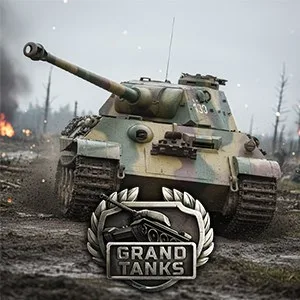
Grand Tanks: WW2 Tank Shooter Game is a free-to-install Windows game built around online battles between tanks in a World War II setting. It combines shooter action with tactical decisions and tank development, so you can take part in multiplayer combat, choose how to approach each encounter, and personalise the vehicles you bring to the battlefield.
Online tank battles and maps
Combat takes place in online battles inspired by the Second World War. The game describes its maps as reflecting key moments of the conflict, giving each battlefield a historical theme. Your decisions and shooting skills matter in these encounters: consider your approach, make use of your tank’s weapons, and adapt your tactics as the battle unfolds. The multiplayer format lets you fight alongside friends or face them, making it suitable for players who want either shared battles or direct competition.
Grand Tanks is presented as both an action shooter and a tank simulation with role-playing elements. The focus is still on driving a tank into combat and using its firepower, while progression and personalisation add longer-term goals beyond a single match.
Tank upgrades and customisation
Tanks have individual characteristics and weapons, so your choice of vehicle affects how you approach a fight. You can upgrade your tank and customise both the tank and its arsenal. These options give you ways to develop your vehicle and make it more personal; the available information does not specify particular upgrade statistics or equipment effects, so check the in-game details when choosing how to improve your setup.
Customisation and progression may appeal to players who enjoy building a preferred tank over time, while the online shooter gameplay is suited to those looking for active, competitive battles. Tactical decisions are part of the experience, rather than the game being only about firing as quickly as possible.
What to know before playing
This is an online multiplayer game, so its battles depend on an internet connection. The listing identifies it as free to install and gives it an age rating of 7. It is available for Windows through the Microsoft Store. No specific offline mode or additional platform is confirmed in the available app information.
How to install Grand Tanks on Windows
- Select Download on this page to open the game’s Microsoft Store listing.
- On the store page, check that the title is Grand Tanks: WW2 Tank Shooter Game and the developer is XDEVS LIMITED.
- Choose the store’s install option and follow the on-screen steps to install it on your Windows device.