
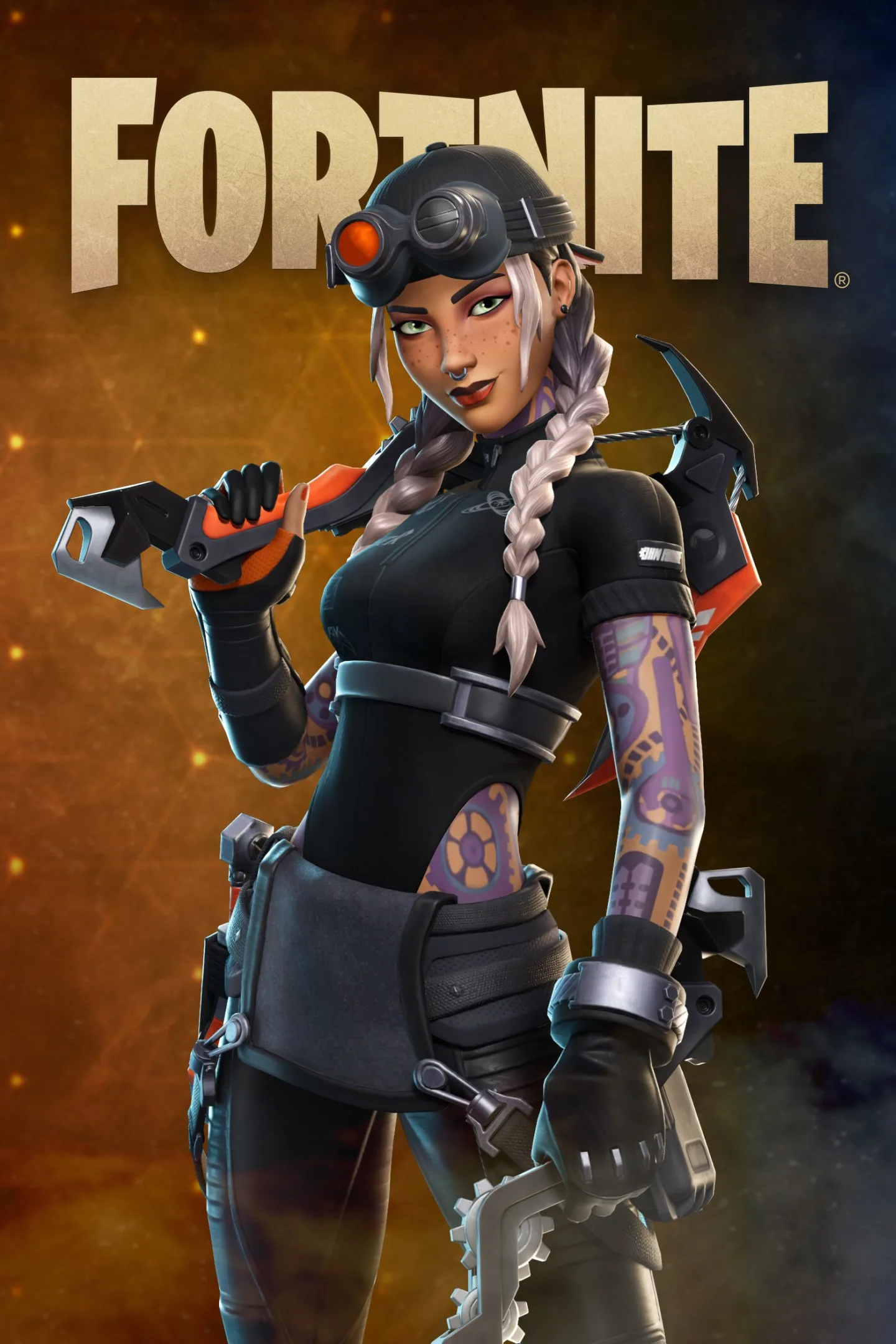
- PlatformsWindows, Xbox
- Age12+
- CategoryAction & Adventure
- PriceFree
Fortnite for Windows and Xbox: Battle Royale and More
Fortnite is a free-to-install game from Epic Games Inc. that brings together several kinds of play, from competitive shooter modes to creative experiences. It is available for Windows and Xbox, so it may suit players looking for varied ways to play alone or with friends.
Different ways to play
Choose an experience to match your mood: aim to be the last player standing in Battle Royale, revisit an earlier style in Fortnite OG, or take a more tactical approach in Reload. Fortnite also includes Fortnite Festival and LEGO Fortnite worlds.
Beyond these named experiences, players can explore games made by other developers. The selection includes activities such as deathruns, tycoons, racing and zombie survival, offering alternatives to the main modes.
For players and creators
Fortnite can also appeal to people who want to make games, not just play them. The available creation options include Fortnite Creative tools and Unreal Editor for Fortnite (UEFN), which let creators build experiences for others to play.
Ratings to check
The app has an age rating of 12, but individual games within Fortnite have their own age ratings. Check the rating for a particular experience before playing, especially when choosing content for a younger player.
How to download and install Fortnite
- Select Download on this page to open Fortnite in the Microsoft Store.
- On the store page, check that the app is Fortnite and the developer is Epic Games Inc.
- Select the install button in the store to begin installation on a supported platform.