- PlatformsSteam
- Age+
- CategoryUtilities
- Price5.99USD
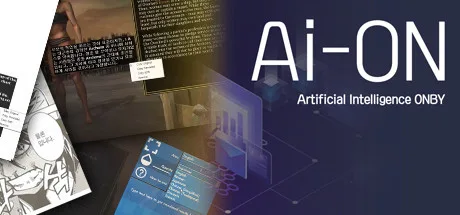
AION - Translator application is a paid text translation utility from ONBI for people who encounter text in games, comics, e-books, news, study materials and other content. It can recognise text in images and translate on-screen text, as well as translate text entered separately.
Translate text on screen or separately
The app combines character recognition with automatic translation. The listed language options are Korean, English, Simplified and Traditional Chinese, Japanese, German, French, Russian, Thai, Portuguese, Italian, Turkish, Spanish, Arabic and Indonesian. The supplied details do not specify which language pairs are available.
You can configure translation for a particular area, such as a word or sentence. This can be useful when you need to focus on a specific part of a game screen or other content rather than translate an entire image. A separate text translation feature is also available.
Adjust and copy translation results
AION offers configurable ways to copy translated text, with the available copying behaviour determined by settings. You can also customise the font and text colour. These options may be useful when adapting translated text to your reading preferences or workflow.
Compatibility and price
The app is paid. The provided information does not list specific operating-system requirements, so check the Steam page for compatibility details before purchasing. It is presented for use with varied content, including games, cartoons, novels, dictionaries, news and academic work.
How to install AION
- Select Download on this page to open the app’s Steam page.
- Check that the title is AION - Translator application and the developer is ONBI.
- Complete any purchase required by Steam, then select the installation option on the store page.