- PlatformsSteam
- Age3+
- CategorySimulation
- Price19.99USD
Train Life: A Railway Simulator combines hands-on train driving with running a railway business. Play as a driver carrying passengers or freight across Europe, then manage the company and its routes. It is a paid simulation game available on Steam.
Drive trains across Europe
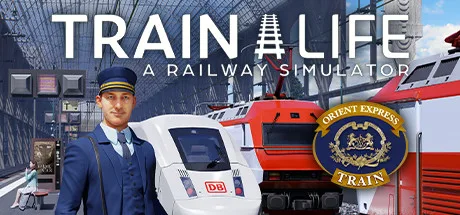
Take the controls of recreated locomotives such as the ICE 3, ICE 4 and NEWAG Griffin. Each train has its own handling characteristics, including power and braking, so you need to adapt how you drive. The game covers 10 countries and 10,000 kilometres of track across Eastern and Western Europe and the Alps, with stations including Berlin Central Station and Zurich Main Station.
Driving involves following railway signs, handling switches and track changes, controlling speed, allowing for braking distances, stopping at stations, and opening and closing doors. Weather and time of day also affect journeys: adapt your driving in conditions such as heavy rain or blizzards. Unexpected situations can include a tree on the line, snow build-up on the tracks, or another train ahead on your track.
Customise trains and build a railway company
You can change a train’s exterior appearance and cab interior, as well as buy and maintain locomotives. Company management includes creating your business, hiring conductors, assigning them contracts, exploring routes and building your network. Balance passenger and freight operations, and make business decisions to earn money and grow the company. Maintaining locomotives helps prevent breakdowns and emergency repairs.
Who might enjoy Train Life?
The game is suited to players who want both detailed train operation and business management rather than driving alone. It may appeal to railway enthusiasts interested in locomotive handling, as well as simulation players who enjoy planning routes, contracts and company operations.
How to install the game
Click Download on this page to open Train Life: A Railway Simulator on Steam. Check that the store listing shows the game’s title and developer, Nacon, then follow Steam’s purchase requirements for this paid game and select the install option.