- PlatformsSteam
- Age+
- CategorySimulation
- Price3.99USD
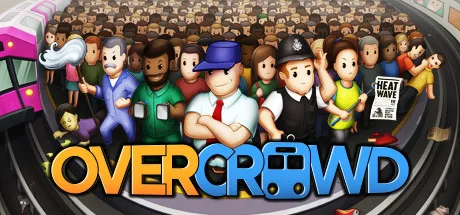
Overcrowd: A Commute 'Em Up is a paid station-management simulation from SquarePlay Games, set beneath Lubdon Town. You design underground stations and keep them working while commuters move between entrances and train platforms. It may suit players who enjoy planning layouts, coordinating staff and balancing several operational demands at once.
Design a station that moves people
Build across four floors and connect entrances to tracks with stairs, escalators and lifts. The crowd-flow mechanic lets you direct how commuters move through the station, so the placement of routes and facilities matters as you plan an efficient layout. You can develop one station or build a network of stations.
Balance operations and handle disruptions
Station management goes beyond construction: keep track of refuse, power and heat, control crowding, and manage the consumer-driven economy by handling stock and prices. Stations can also face disruptive events, including rat plagues and football matches, as well as vandals, hoodlums and norovirus. When you need time to reconsider a layout or adjust your approach, you can pause the game.
Build up staff and unlock equipment
Hire rookies and level them up, or bring in specialists such as a master mopper, medic or mechanic. Use the job grid to prioritise staff tasks. As you unlock technology, you can add practical station equipment such as turnstiles, tools and ticket machines, alongside amenities including pharmacies, pubs, ponds and plants.
Fresh layouts and a daily challenge
Procedurally generated maps give you different station layouts to work with, while the daily challenge offers a new station-building task. These options make the game a fit for both players who want to refine a particular network and those looking for a new planning problem.
How to install through Steam
Click Download on this page to open the game's Steam page. Check that the listing names Overcrowd: A Commute 'Em Up and SquarePlay Games as the developer, then follow Steam's purchase and installation steps. The game is paid; check the store page for current purchase details.