- PlatformsSteam
- Age+
- CategoryRPG
- Price29.99USD
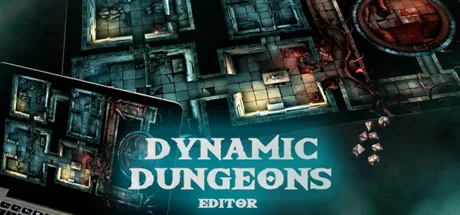
Dynamic Dungeons Editor is a local tabletop display tool for game masters who want to bring maps and scene effects to an in-person RPG session. Run images and videos on a TV or projector, then add practical overlays and atmosphere as the game unfolds. It is not an online virtual tabletop or a 3D map-building program.
Set up maps and scenes
Import Dynamic Dungeons maps or your own images and video files into a storyline, then organise them into a playlist. This lets a game master prepare locations in advance and switch between them during a session. You can adjust the colours of videos and static maps, and add a custom-sized hex or square grid overlay.
The fog-of-war tool covers areas and reveals them as the party explores. PNG tokens can represent player characters and enemies, while animations, particle effects and ambient audio add movement and atmosphere to static or animated maps.
Use it at a physical table
For a TV setup, place the screen flat to display the map beneath miniatures. The developer suggests using a plexiglass sheet over the screen to help protect it from dice and miniatures. Alternatively, project the image down onto a physical table with an HD projector. The software is intended for local tabletop play, not online sessions.
Maps and included content
The demo and paid version contain only a small selection of simple battle grids, and the complete Dynamic Dungeons map collection is not included. You will need to provide videos or static maps from Dynamic Dungeons or other creators. The software can also be used to create custom 2D maps, but Dynamic Dungeons maps themselves are made in separate 3D software.
A demo is available if you want to try the tool before buying. A free modular dungeon pack is also available, with PNG props such as corridors and chambers.
Download and install
Dynamic Dungeons Editor is paid software. To get it, select Download on this page to open its Steam store page. Check that the listing names Dynamic Dungeons Editor and developer Dynamic Dungeons. Review the purchase details, complete the purchase if you decide to proceed, then choose the install option in Steam.