- PlatformsSteam
- Age+
- CategoryRPG
- Price3.99USD
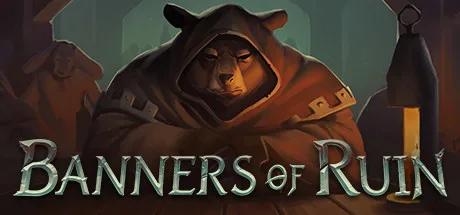
Banners of Ruin is a paid strategy RPG on Steam that combines party building with card-based combat. Lead the Blackfoots through the city of Dawn’s Point, take on House Ender’s forces and decide how to handle the encounters along the way. It suits players who enjoy adapting a deck and team as a campaign unfolds.
Build a team and shape your deck
Put together a party of up to six members during a run. Characters who join your cause bring their own cards and abilities, which can change how your deck works in battle. You can find, buy and unlock cards to develop your approach, while choosing from six races, each with a distinct card pool and passive abilities.
As characters level up, they unlock talent cards and passives that can significantly affect your strategy. Weapons and armour found as loot add further effects and abilities, giving you more ways to strengthen your party.
Navigate encounters and fight through the city
The campaign uses a card-driven route through Dawn’s Point. Along the way, you reveal different scenarios and choose how to engage with them; outcomes can be helpful or harmful, and some choices come at a moral cost. Combat pits your party against increasingly challenging enemies with varied AI behaviour. Elite opponents stand between you and the city’s Guard Captain.
Each run adds to future attempts
A run can end in defeat, but tokens earned after every run can unlock additional cards and passive abilities for later attempts. This gives repeated runs a progression goal while leaving you to work out which party and deck combinations best suit your strategy.
How to install Banners of Ruin on Steam
Banners of Ruin is a paid game. Select Download on this page to open its Steam store page. Check that the listing names Banners of Ruin and Goblinz Publishing as the developer, then complete any purchase Steam requires and choose the install option. Check Steam’s listing for the current purchase terms before proceeding.