- PlatformsSteam
- Age3+
- CategoryRacing
- PriceFree
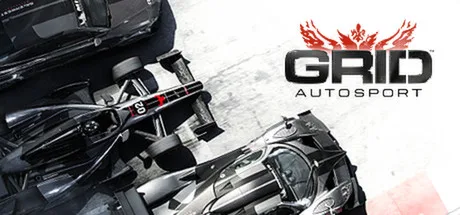
GRID Autosport is a motorsport racing game built around a professional career and a wide range of racing styles. Join or switch teams, earn sponsor rewards, take on rival drivers and race alongside a teammate. It suits players who want to focus on a favourite discipline or try several different kinds of competition.
Career across different racing disciplines
Choose from series featuring Touring Cars, Hypercars, Endurance GT Cars, Prototypes, Single-Seaters, Super Modified vehicles, Drift cars and more. Each style calls for a different approach: Touring Cars put you in close pack racing, Endurance events make tyre wear a consideration, Open-Wheel races reward precision, Tuner events test car control, and Street races call for quick reactions. You can specialise in one discipline or work through a broader selection of the career.
Cars, racecraft and team play
Collect, tune and upgrade contemporary and classic high-performance cars. The handling model aims for a responsive feel between arcade and simulation racing, while rival AI adapts its behaviour to the event and driver personalities. For example, Open-Wheel rivals race more cleanly, while Touring Car events can involve contact.
The in-car view puts you behind the wheel from inside the car. During races, teammate controls and radio communications let you ask your teammate to attack or defend, which can help you coordinate your approach to a battle for position.
Online competition and local modes
RaceNet supports online multiplayer, with Racing Clubs letting friends compete together under their own team colours against other clubs. The online features also include weekly challenges, player statistics and leaderboards. You can create liveries to personalise your online presence and build a car collection.
For other ways to race, the game includes Party Modes, Demolition Derby and competitive split-screen. These sit alongside the career and online racing, so you can choose between structured progression, club competition or local head-to-head play.
How to install GRID Autosport
Select Download on this page to open the game’s Steam store page. Before installing, check that the listing shows GRID Autosport and Codemasters, then select the install option on Steam.