
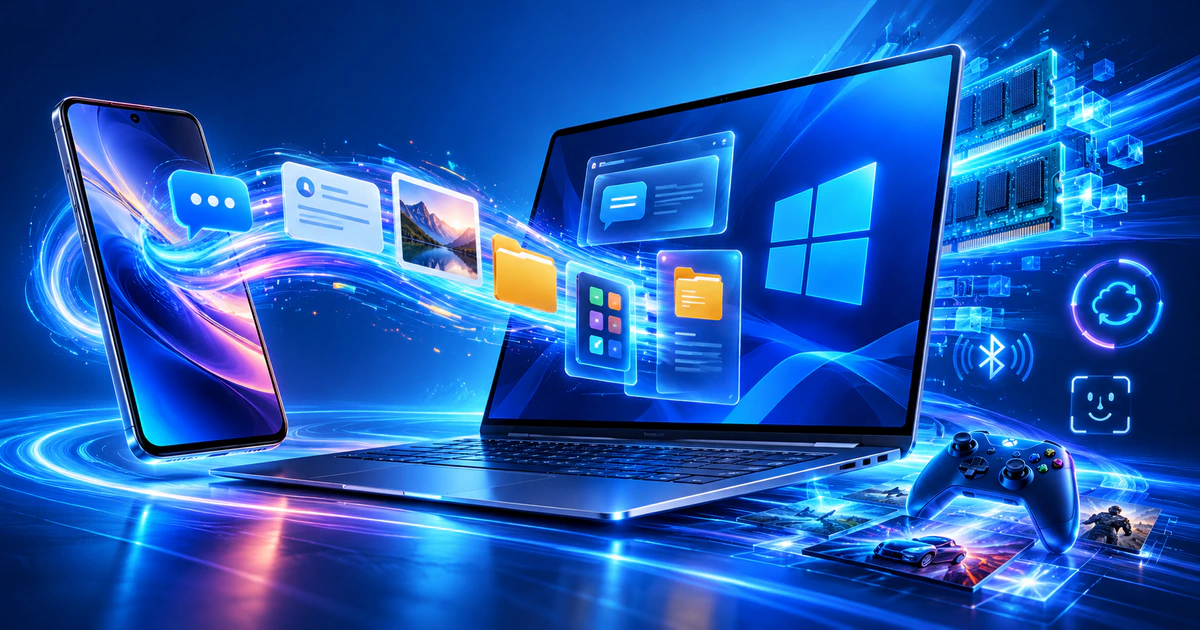
Windows 11 gets faster and improves smartphone integration
Microsoft has started rolling out a collection of Windows 11 improvements designed to make PCs faster, reduce background memory use and provide a more seamless connection with Android phones and iPhones.
The update also introduces changes to Windows Search, Photos, Windows Update, Bluetooth and gaming. Some improvements are beginning to reach supported PCs, while other features will remain in Windows Insider testing before a broader release.
Microsoft detailed the changes on October 15 in the official Windows blog.
Windows 11 is becoming more responsive
Microsoft says Windows 11 can now feel up to 20% more responsive in tested scenarios. The improvements cover startup and everyday interactions with Start, Search, File Explorer, Snipping Tool, Microsoft 365, Edge and other parts of the system.
Memory management has also been revised. On PCs with 8GB of RAM, Windows can keep up to 2GB more active data in memory instead of moving it to slower storage.
This should help the system remain responsive when several applications or browser tabs are open at the same time.
On computers with 8GB of RAM or less, Widgets will load only when the panel is opened. Microsoft estimates that this change can make more than 200MB of memory available to other applications.
Actual performance will vary depending on the PC, its configuration, installed software and Windows version.
Windows Search will perform common actions
Microsoft is redesigning Windows Search so that it can do more than locate files, applications and settings.
A user searching for dark mode or night light, for example, will be able to change the setting directly from the search results instead of navigating through the Settings app. Search will also support actions related to arranging and managing open windows.
The new Windows Search interface is currently available to Windows Insiders. Microsoft plans to begin a broader rollout later in 2026.
Phone notifications, messages and files are moving closer to the desktop
Windows 11 is expanding its connection with Android devices and iPhones. Messages and notifications from a connected phone can appear in Start, making it possible to see what needs attention without picking up the device.
A conversation can be opened in a focused window for a quick reply. Windows Quick Settings will also provide phone controls, including options to silence the device or make it ring when it cannot be found.
Supported Android phones receive additional capabilities:
mobile apps can open in separate, resizable desktop windows;
phone files can be accessed through File Explorer;
newly captured photos can be opened from a Windows notification;
supported activities can resume on the PC where the user left off.
Feature availability will vary by mobile platform, phone model and region.
Windows Update should cause fewer interruptions
Microsoft is giving users more control over when updates are installed. Windows Update will better coordinate installation and restart times while continuing to reduce the time required to apply an update.
Bluetooth reliability is also being improved for pairing, reconnection, audio playback and calls.
Microsoft says AirPods can pair up to 15 seconds faster in supported configurations. Windows Hello is receiving improvements to both facial recognition and fingerprint sign-in.
Microsoft Photos receives a new gallery and editor
The redesigned Microsoft Photos app brings images stored on the PC and in connected libraries into a single gallery.
Users will be able to search for a picture by describing its contents in natural language. The updated editor includes tools for cropping, colour adjustments, object removal and lighting correction with Relight.
Microsoft says Photos can launch up to 20% faster. The redesigned viewer also reduces interface clutter so that more screen space is used for the image itself.
Precompiled shaders will reduce initial game loading times
Advanced Shader Delivery is intended to reduce the delay that can occur when a supported PC game is launched for the first time.
Instead of compiling every shader locally, Windows can deliver precompiled shaders for compatible titles. Microsoft says this can reduce initial loading from minutes to seconds in some cases.
Forza Horizon 6 and Gears of War: E-Day are among the games mentioned by the company. Users will need the Xbox PC app and current graphics drivers. Support will depend on the individual game and hardware configuration.
New accessibility tools are coming to Windows 11
Screen Tint adds a configurable colour overlay to make the display more comfortable for individual users.
Magnifier can keep a different zoom level for each connected monitor, while Narrator receives improvements for mathematical expressions, Excel tables, Outlook messages, presentations and online forms.
Compatible HID braille displays can also be connected by USB or Bluetooth during the initial Windows setup without separate drivers.
Microsoft will distribute the new Windows 11 features gradually. Availability will depend on the device, operating system build, connected phone and region, so not every announced feature will appear on all PCs at the same time.