

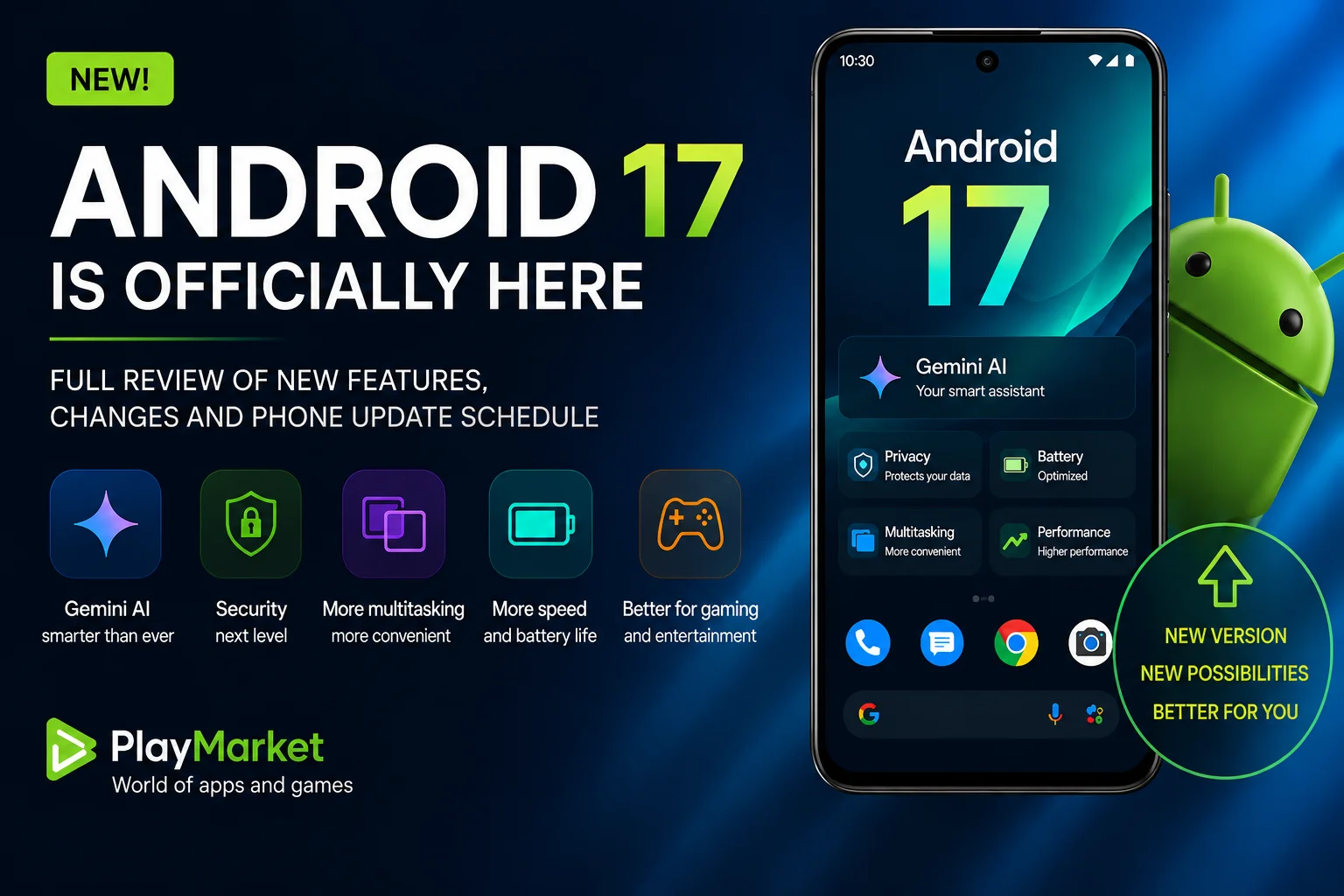
Google has officially released Android 17, the latest version of its mobile operating system. After months of developer previews and public beta testing, the update is finally rolling out to supported Pixel devices, with Samsung, Xiaomi, OnePlus, OPPO, Honor, Motorola, Nothing, and many other manufacturers expected to follow in the coming months.
At first glance, Android 17 doesn't look dramatically different from its predecessor. There isn't a completely redesigned interface or a flashy visual overhaul. Instead, Google has focused on refining the experience people actually use every day: making Android faster, smarter, more secure, and more efficient.
It's an update that may not immediately catch your eye—but after spending some time with it, you'll notice that nearly every interaction feels smoother and more polished.
Gemini AI Is Becoming the Heart of Android
Artificial intelligence has been Google's biggest focus over the last few years, and Android 17 takes another major step in that direction.
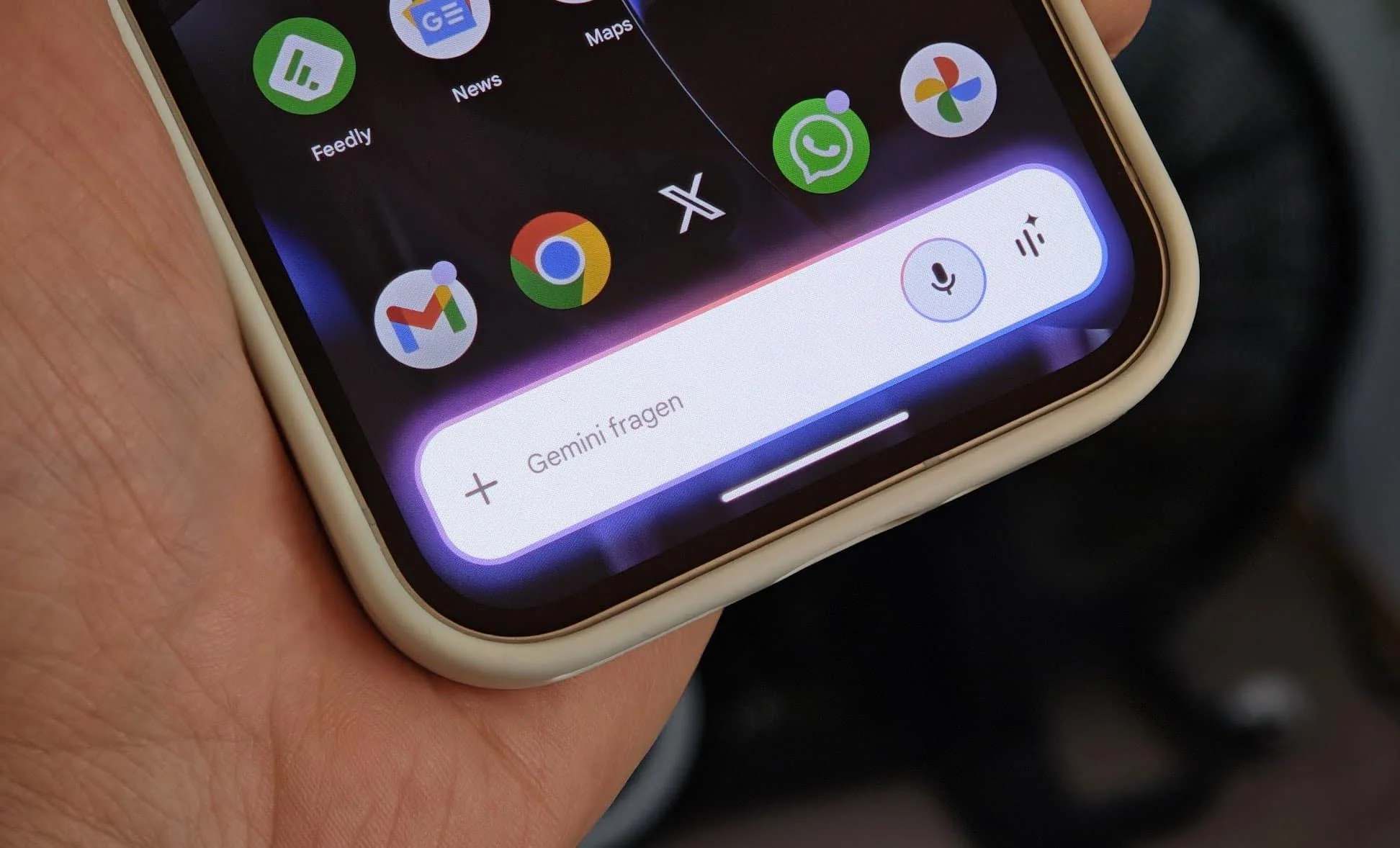
Rather than treating Gemini as a standalone assistant, Google is gradually integrating it into the operating system itself. The result is a phone that better understands what you're doing, predicts what you need next, and helps complete everyday tasks with less effort.
Gemini can summarize information, translate text, assist with writing messages, analyze what's currently displayed on your screen, and interact across multiple apps without forcing you to constantly switch between them.
One of the biggest improvements is contextual awareness. Instead of simply responding to commands, Android increasingly understands the situation you're in, allowing it to provide smarter suggestions and automate repetitive tasks.
Google also continues expanding on-device AI processing. By handling more requests directly on the phone instead of sending everything to the cloud, Android 17 delivers faster responses while improving user privacy.
Faster Performance Without New Hardware
Every Android release promises better performance, but Android 17 delivers improvements that many users will actually notice.
Google has optimized memory management, background processes, and application scheduling, allowing apps to launch more quickly and remain responsive even when multiple programs are running simultaneously.
Scrolling feels smoother, animations are more fluid, and switching between apps is noticeably faster than before.
Battery life has also received significant attention. Thanks to improved background resource management, Android 17 reduces unnecessary power consumption without limiting functionality.
While no software update can magically double your battery life, many users should see their devices lasting longer throughout a normal day.
Owners of mid-range smartphones may benefit the most, as software optimization often has a greater impact than raw hardware performance.
Security Continues to Improve
Modern smartphones contain everything from banking apps and passwords to private photos and work documents. Protecting that information has become one of Google's highest priorities.
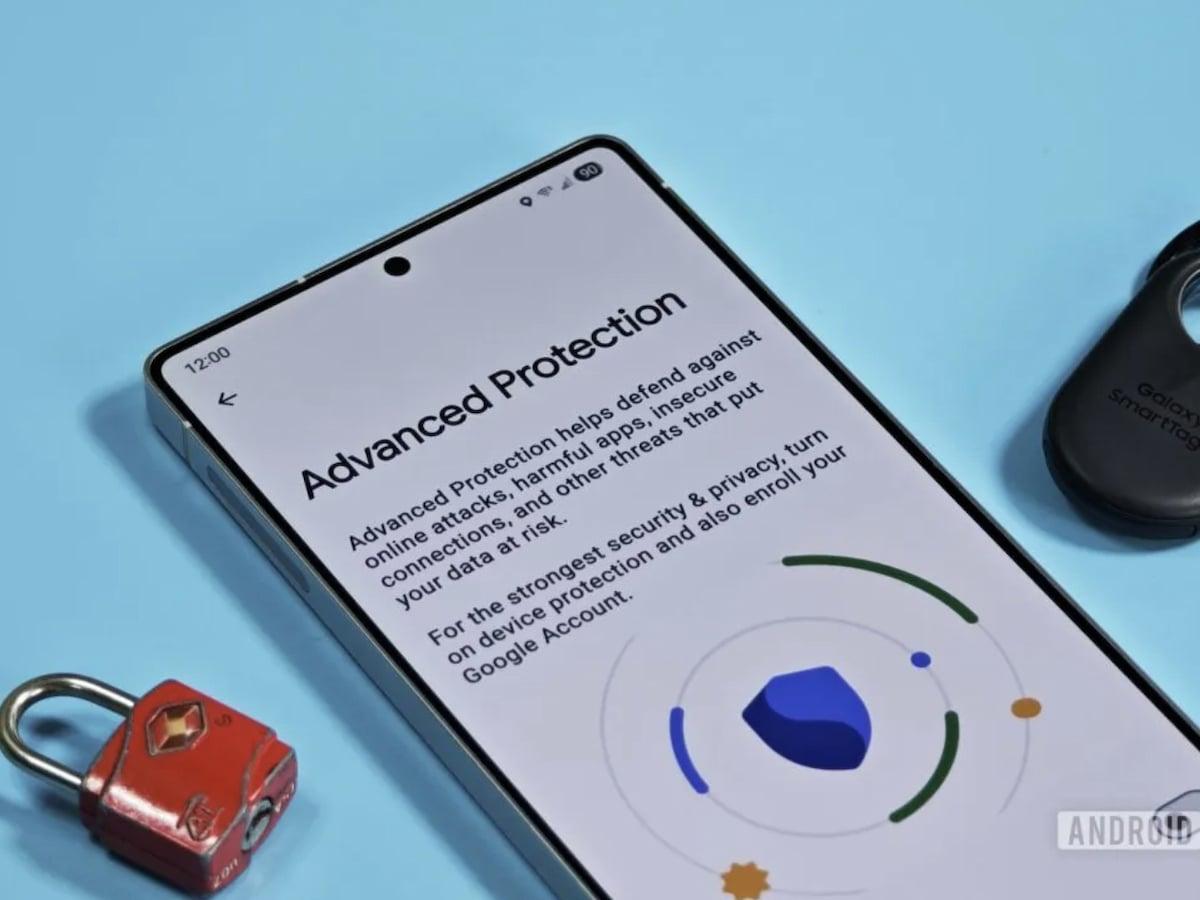
Android 17 introduces additional protections against device theft and unauthorized access, making it more difficult for someone to change critical security settings if a phone is stolen.
Permission management has also become more flexible.
Users now have greater control over what information each app can access. Instead of granting unrestricted permissions, Android allows access only when necessary, helping reduce unnecessary data collection.
Google has also continued strengthening privacy protections behind the scenes, making Android safer without requiring users to constantly adjust settings themselves.
Although these changes may not be the most visible features of Android 17, they're among the most important improvements included in this release.
Better Multitasking for Large Screens
Foldable phones and Android tablets continue to grow in popularity, and Android 17 brings several improvements designed specifically for larger displays.
Multitasking feels more natural, app switching is faster, and managing multiple windows has become considerably easier.
Whether you're editing documents, participating in video calls, or browsing while taking notes, Android now handles large-screen productivity more efficiently than previous versions.
Google's long-term goal is clear: make Android devices capable of replacing traditional laptops for many everyday tasks.
Gamers Get Performance Improvements Too
Mobile gaming has evolved dramatically over the past few years, with many modern titles demanding desktop-like performance from smartphones.
Android 17 includes additional gaming optimizations that help improve frame rate stability, reduce latency, and shorten loading times.
Resource allocation between the CPU and GPU has also been refined, allowing supported devices to maintain more consistent performance during demanding gaming sessions.
While these optimizations won't transform an entry-level phone into a flagship gaming device, players using recent hardware should notice smoother gameplay in many titles.
A Familiar Interface — and That's a Good Thing
Some users expected Android 17 to introduce a completely new visual identity.
Instead, Google chose to improve what already works.
Animations are smoother, notifications are more refined, Quick Settings have received subtle usability improvements, and the entire interface feels more responsive.
This approach makes upgrading much easier. Users don't need to relearn the operating system every year, while still benefiting from continuous improvements beneath the surface.
Sometimes the best design is the one that quietly gets out of your way.
Which Phones Will Receive Android 17?
As always, Google's Pixel lineup receives the update first.
Other manufacturers will gradually release Android 17 after adapting the software to their own user interfaces.
Expected devices include:
Google Pixel
Samsung Galaxy
Xiaomi
Redmi
POCO
OnePlus
OPPO
vivo
Honor
Motorola
Nothing
Realme
Release schedules vary depending on the manufacturer and individual device model. Flagship smartphones are generally updated first, followed by premium mid-range devices and, eventually, budget models that remain eligible.
Should You Update?
If Android 17 is already available for your smartphone, there's little reason to delay installing it.
The update focuses on improving everyday usability rather than introducing dramatic changes, making it one of the safest Android upgrades in recent years.
Before updating, it's still a good idea to back up important data, ensure your battery is sufficiently charged, and download the update over a stable Wi-Fi connection.
If your device hasn't received Android 17 yet, patience is key. Most major manufacturers are expected to begin wider rollouts over the coming months.
Final Thoughts
Android 17 isn't about reinventing Android—it’s about making an already mature platform even better.
Google has chosen to focus on the areas that matter most to everyday users: speed, battery efficiency, security, privacy, multitasking, and artificial intelligence.
Rather than chasing flashy visual changes, Android 17 quietly improves the overall experience in dozens of small but meaningful ways.
For anyone with a supported device, it's an update that's well worth installing.
Stay tuned to PlayMarket for the latest Android news, app releases, mobile gaming updates, smartphone guides, and everything happening in the world of mobile technology.