- PlatformsIos, Ipad
- Age4+
- CategoryEducation
- PriceFree
You may also like:
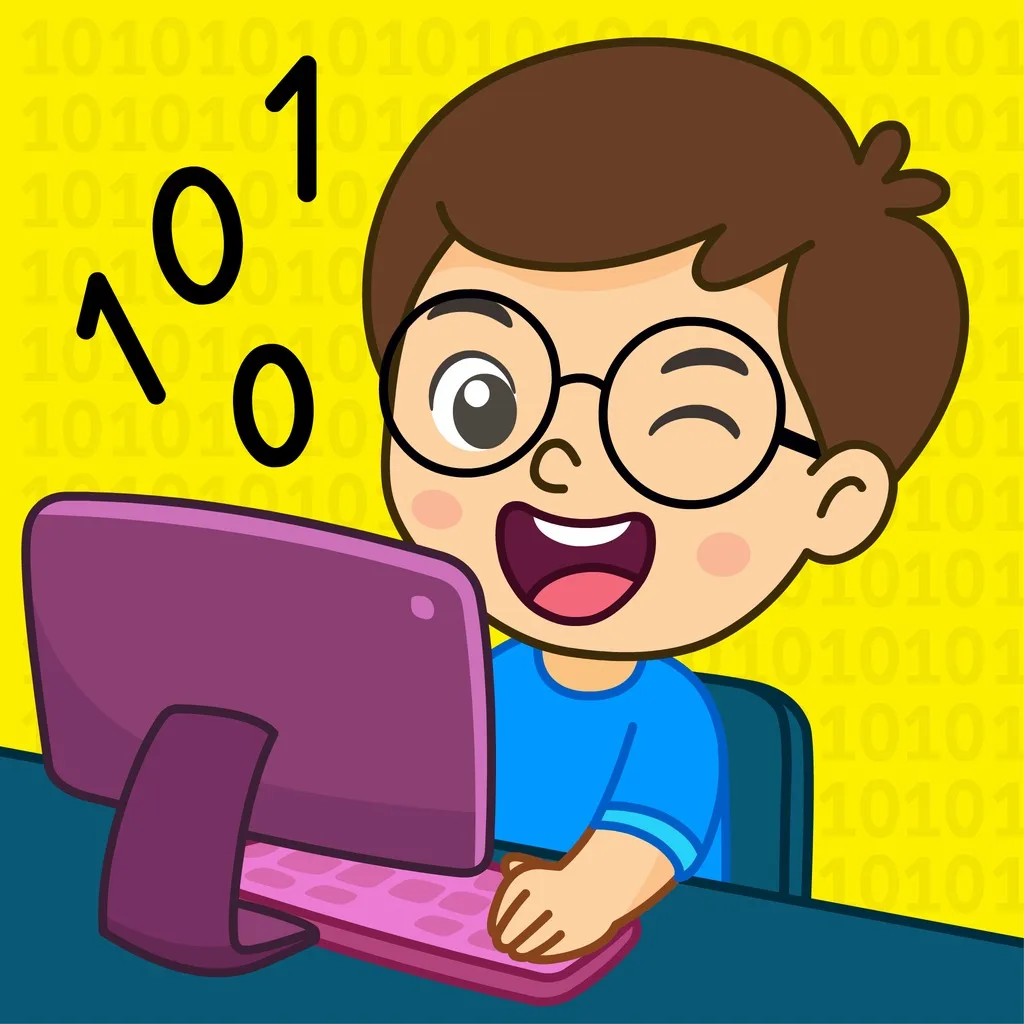
KidloLand Coding School is an educational program to teach kids the basics of coding, an essential skill in today's world. It teaches coding with 200+ fun games like firefighting, popping balloons, or playing a dentist. KidloLand Coding School helps kids improve their problem-solving skills, boosts memory, increases logical thinking skills, and prepares them for school.
KidloLand Coding School has recently won:
* NAPPA 2018 - National Parenting Product Award
* 2018 Academics' Choice Smart Media Award
* Tillywig Brain Child Award
* Mom's Choice Gold Award
* Educational App Store certification with five stars
There are 1000+ levels to teach these basic programming concepts:
Sequences:
A sequence is the first step and an essential part of coding. Here the command is executed exactly in the same order of events the coder gives.
Loops:
Loop is a concept for repeating a set of commands.
Functions:
Functions are a set of commands that can be used anytime as per the coder's wish or requirement.
Debugging:
Debugging is finding and correcting errors in a given computer program.
Arrays:
An array is a collection of similar objects used to arrange things in a particular way.
Advanced:
Solving by a combination of the above commands.
Coordinate:
Learn the movements based on X & Y coordinates.
What skills will kids learn with these coding games?
- Recognize patterns to complete all levels
- Order actions in a logical sequence
- Learn to implement patterns in their day-to-day life
- Easy instructions to apply in their daily lives
- Discover the suitable actions needed to solve each level
Subscription Details:
- To access the premium content, choose between yearly or monthly auto-renewable subscription plans.
- Payment will be charged to the Apple Account at confirmation of purchase.
- Cancel subscription renewal anytime under Subscriptions in your Apple Account Settings.
- Subscription automatically renews unless auto-renewal is turned off at least 24 hours before the end of the current period.
- Account will be charged for renewal within 24 hours before the end of the current period.
- Use the subscription on any iPad/iPhone/iPod with your Apple account.
- No cancellation of the current subscription is allowed during an active subscription period.
Privacy Policy: http://www.kidlo.com/privacypolicy.php
Terms of service: http://www.kidlo.com/terms_of_service.php
If you need help or have any feedback, email us at support@kidlo.com
Download KidloLand Coding School for your kids to train their brains in a fun and easy way!