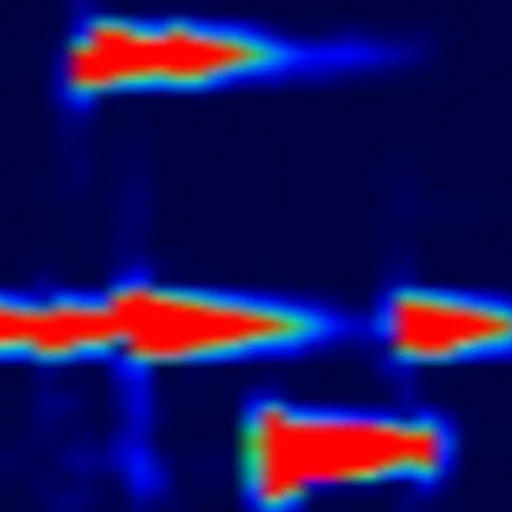
App gets audio data from microphone and plots the real time spectrum in the form of a scrolling image.
App settings:
• Sample Rate = the sample rate (in Hz) at which the microphone will be read. Most devices support up to 48 kHz. High-end devices support up to 192 kHz.
• FFT Buffer Size = the size (in samples) of the audio buffer used to compute the FFT. Must be a power of 2, min = 128, max = 16384. Bigger value gives better frequency resolution. Smaller value gives better time resolution.
• Min. Dispalyed Frequency
• Max. Displayed Frequency
• Gain (dB)
• Displayed Time Window (in milliseconds)
• Frequency Grid Step (in Hz) = will draw horizontal division lines
• Time Grid Step (in milliseconds) = will draw vertical division lines moving together with the plot.
Free version limitations:
• sample rate = 8000 Hz (fixed)
• FFT buffer size = 512 (fixed)
Users can upgrade to Premium Version via in-app purchase (one time payment).
Premium version advantages:
• configurable sample rate.
• configurable FFT buffer size: 128, 256, 512, 1024, 2048, 4096, 8192, 16384.
Planned features for future app updates:
• show spectrum of audio file
• export spectrum to file